


For software agencies
Same team, more systems live.
All your clients' projects in one place, with the right team on each. What you deliver is a Laravel system with the client's brand, on the client's server.
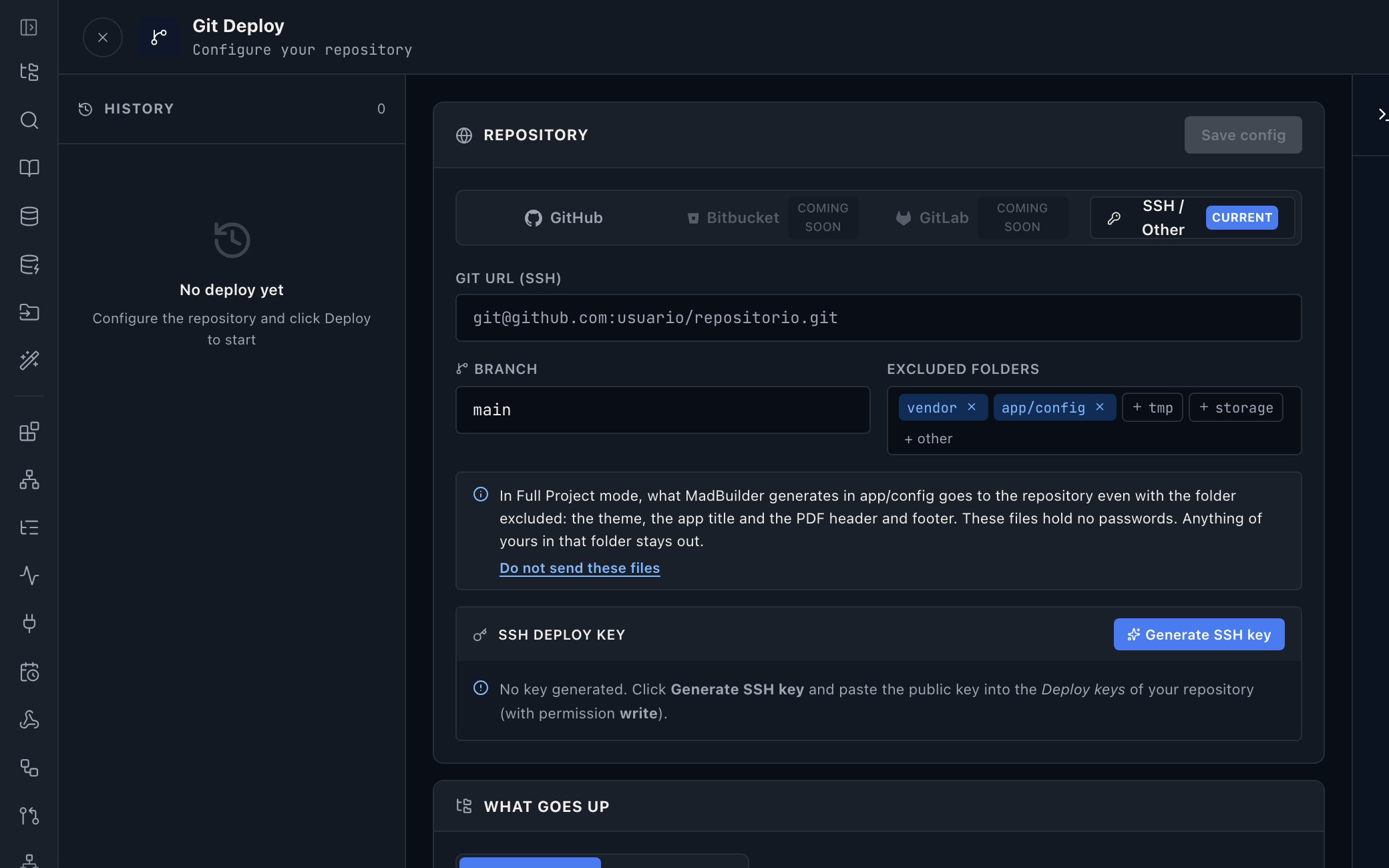
The right access for each person, on each client.
You invite people per project and mark what each one can do. The intern edits screens, the senior deploys, and the client's schema only changes through whoever you choose.
- Download, code, deploy, snapshot, clone, edit, agent, schema and migrations: nine permissions per person
- Ready-made roles, like Dev: edits, clones and uses the agent, with no deploy or schema access
- Projects can be duplicated and have their ownership transferred
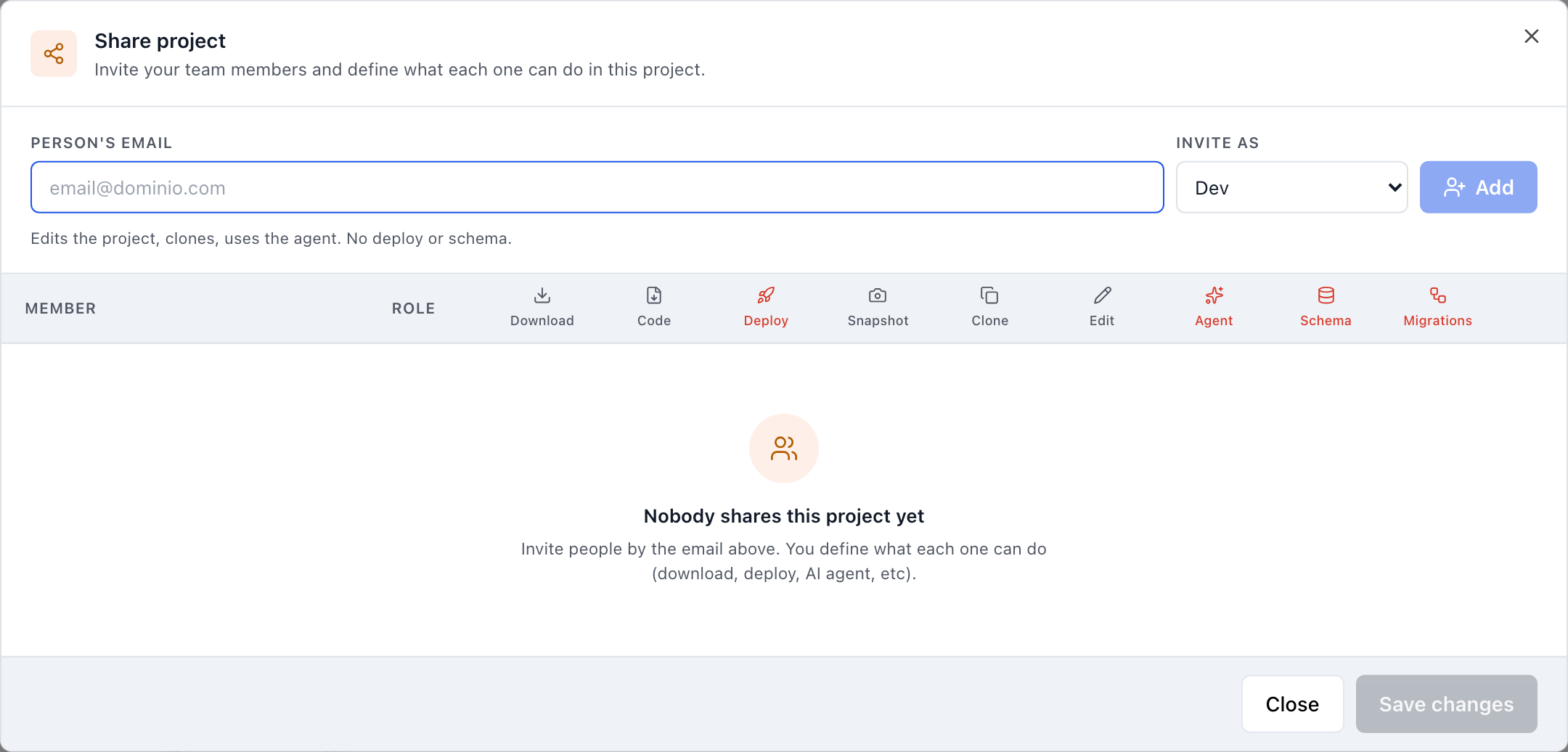
Deliver the way the client asks.
Every client has its own infrastructure. The project goes to it, not the other way around.
On the client's server
SSH deploy with a real-time log and the last 5 backups kept.
In the client's repository
Push to GitHub, GitLab or Bitbucket, choosing what stays out.
In hand
The whole Laravel project in one file, to hand over or audit.
No server at all
Managed hosting with HTTPS, daily backup and staging, and a private server in São Paulo if the client asks.
The database that already exists
Directly, through an SSH tunnel or a REST driver inside the app, which reaches the database behind the firewall.
Legacy schema
Paste the CREATE TABLE in any of the six dialects and the diagram draws itself.
An AI copilot with the client's brand.
Embed a white-label copilot in the delivered system, with the client's color, name and theme. It answers with charts and reports and respects the app's permissions, personal data rules and audit trail.
- 16 visualization tools, from charts to tables
- Saved reports that refresh without spending tokens
- Database writes only with a human's confirmation
- Brand
- the client's color, name and theme, no mention of MadBuilder
- Visualizations
- 16 render tools
- Charts
- plain SVG, about 35 KB
- Saved report
- refreshes in ~0.25 s, no tokens
- Writes
- only with human confirmation
- Languages
- 4
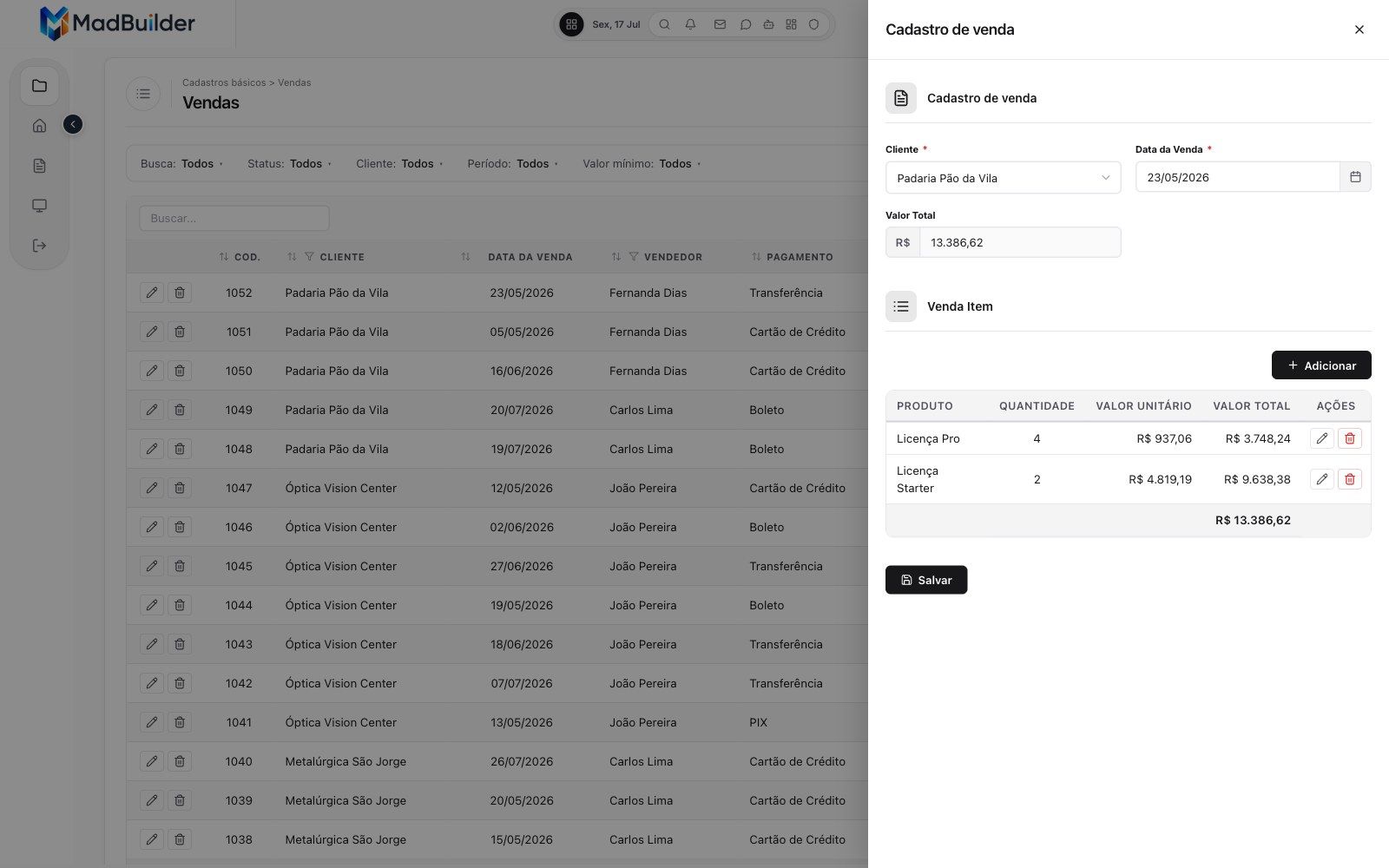
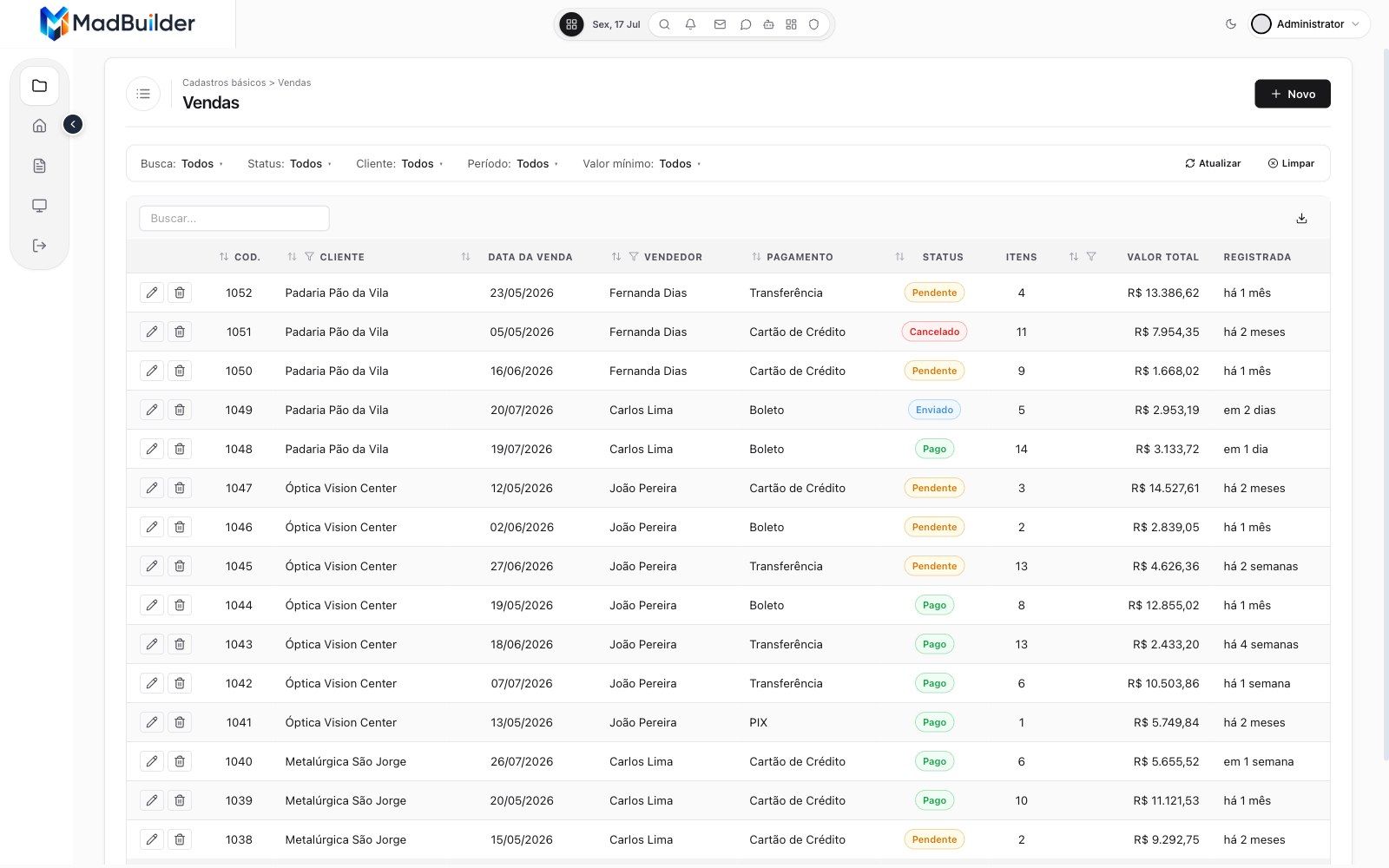
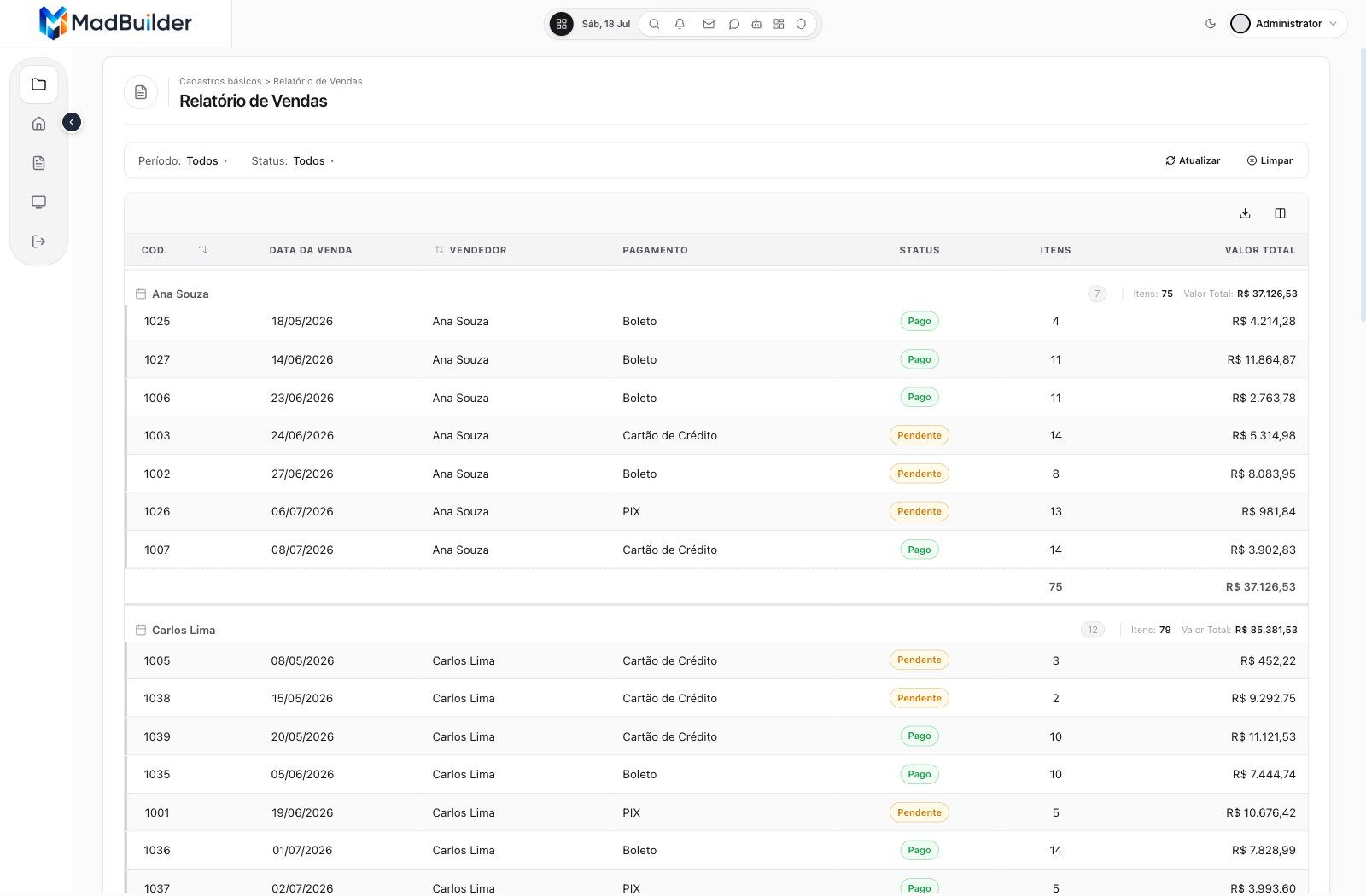
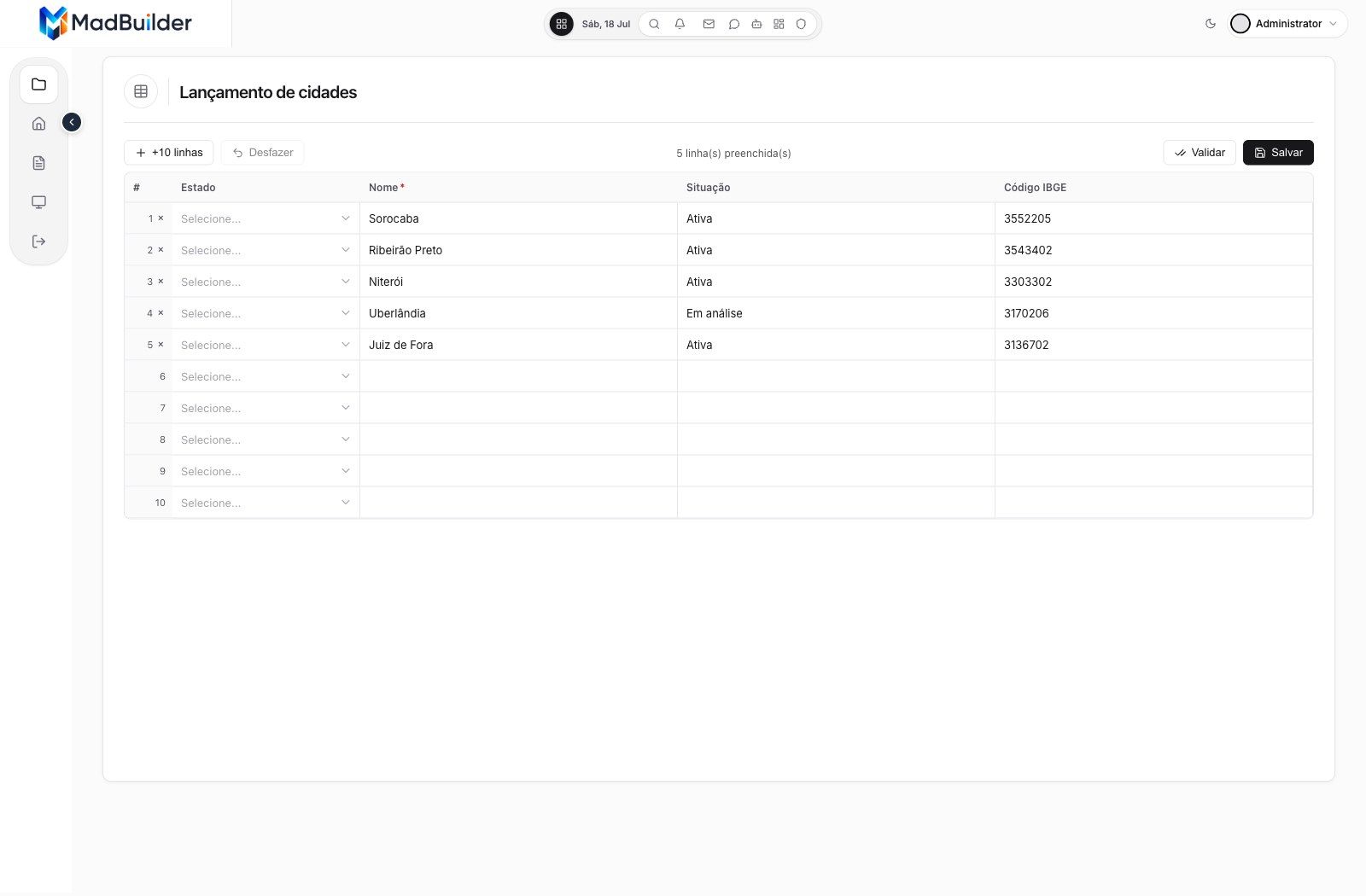
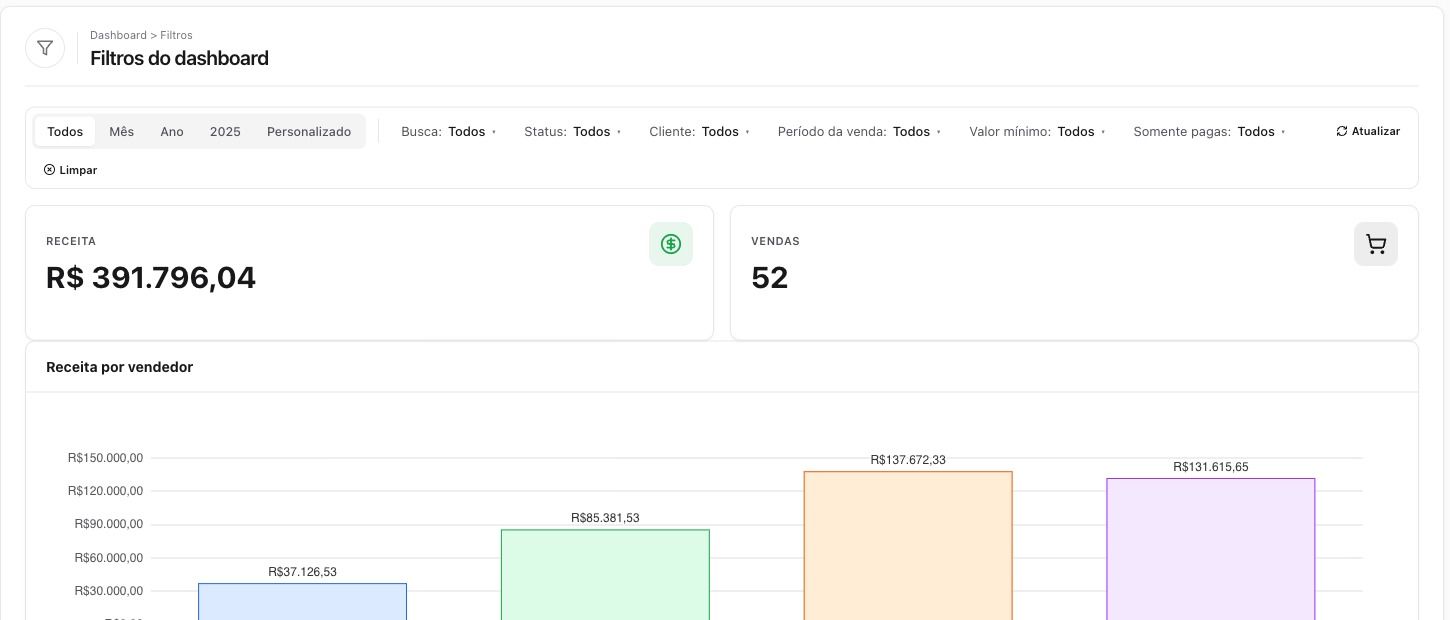
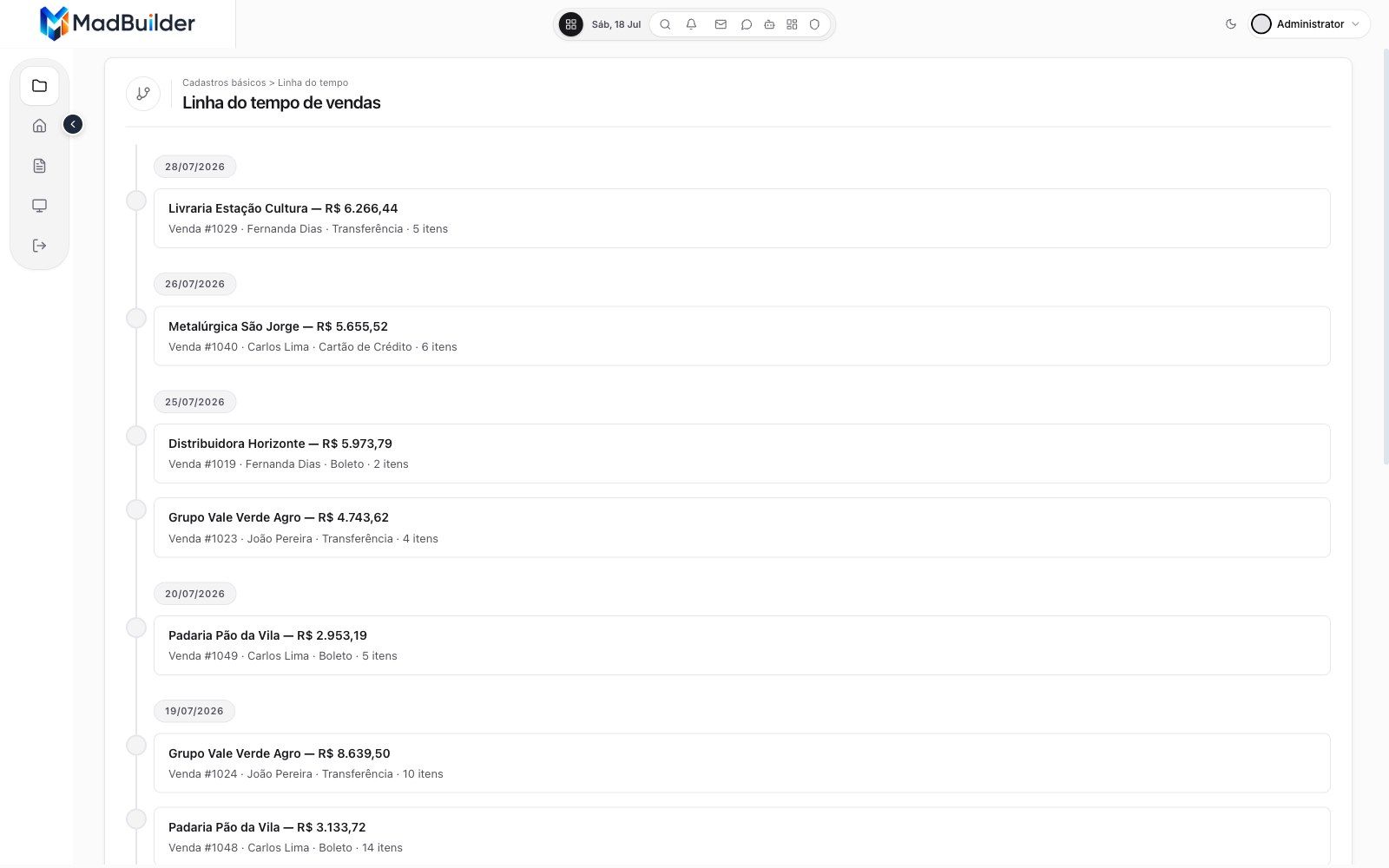
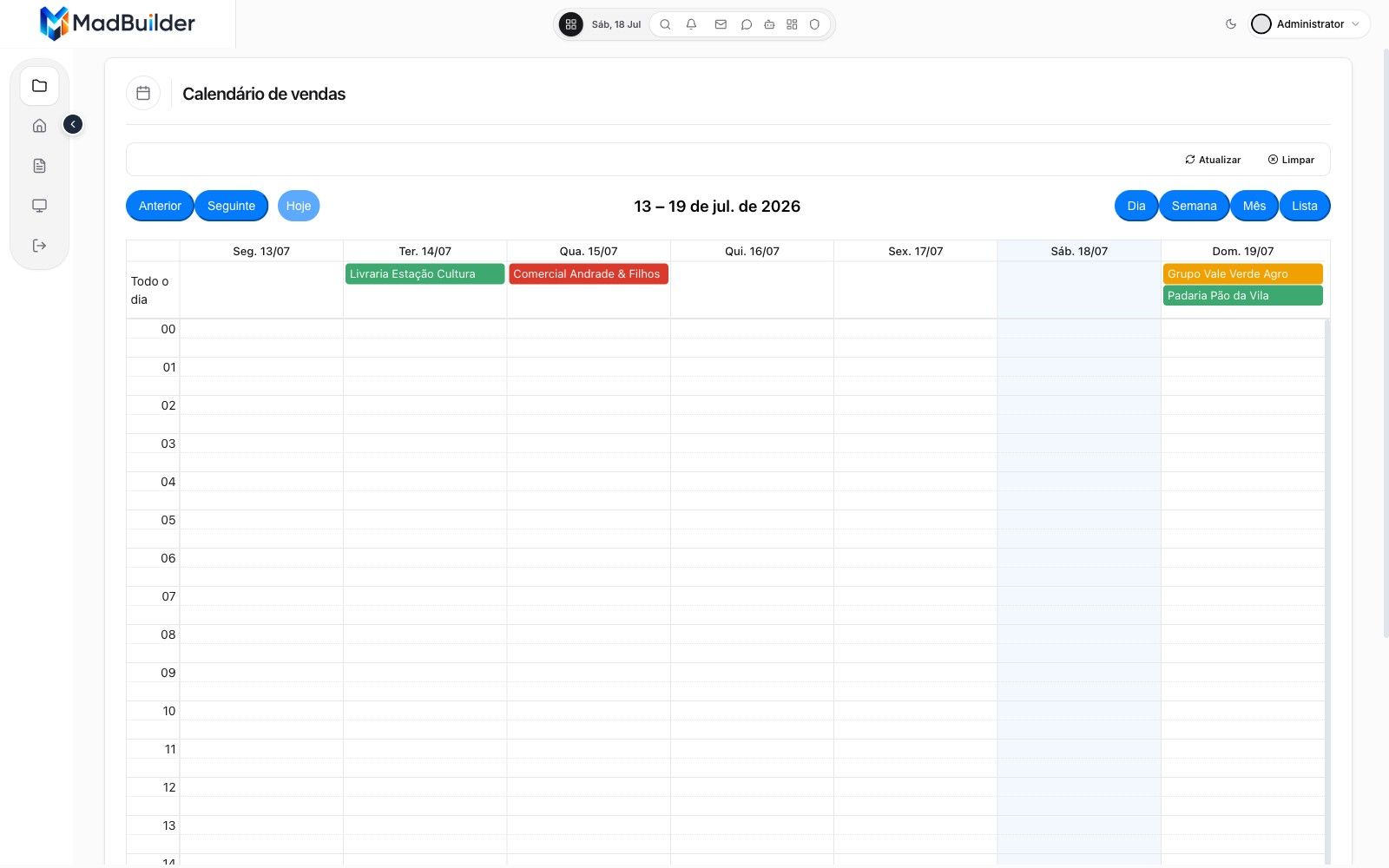
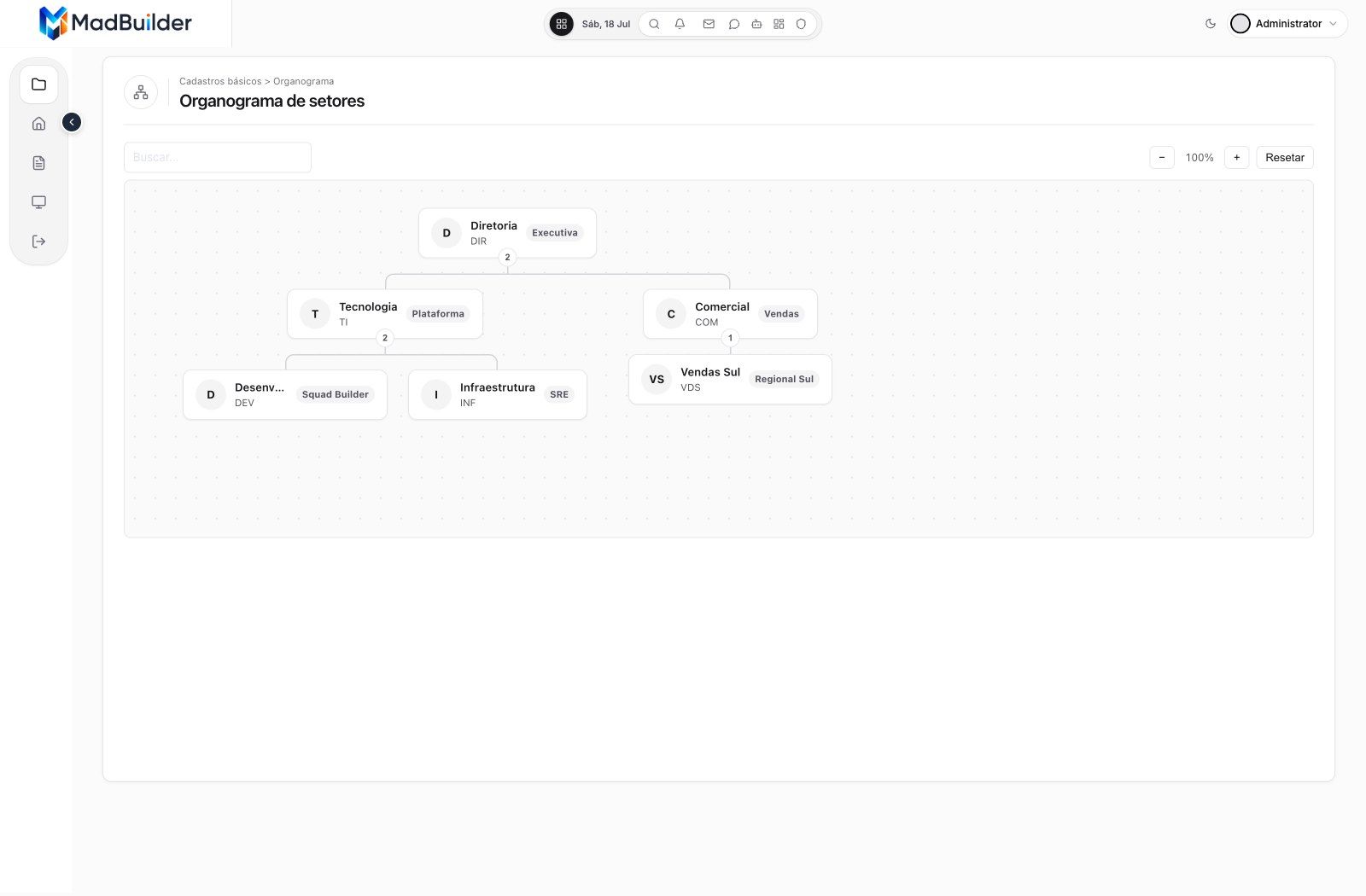
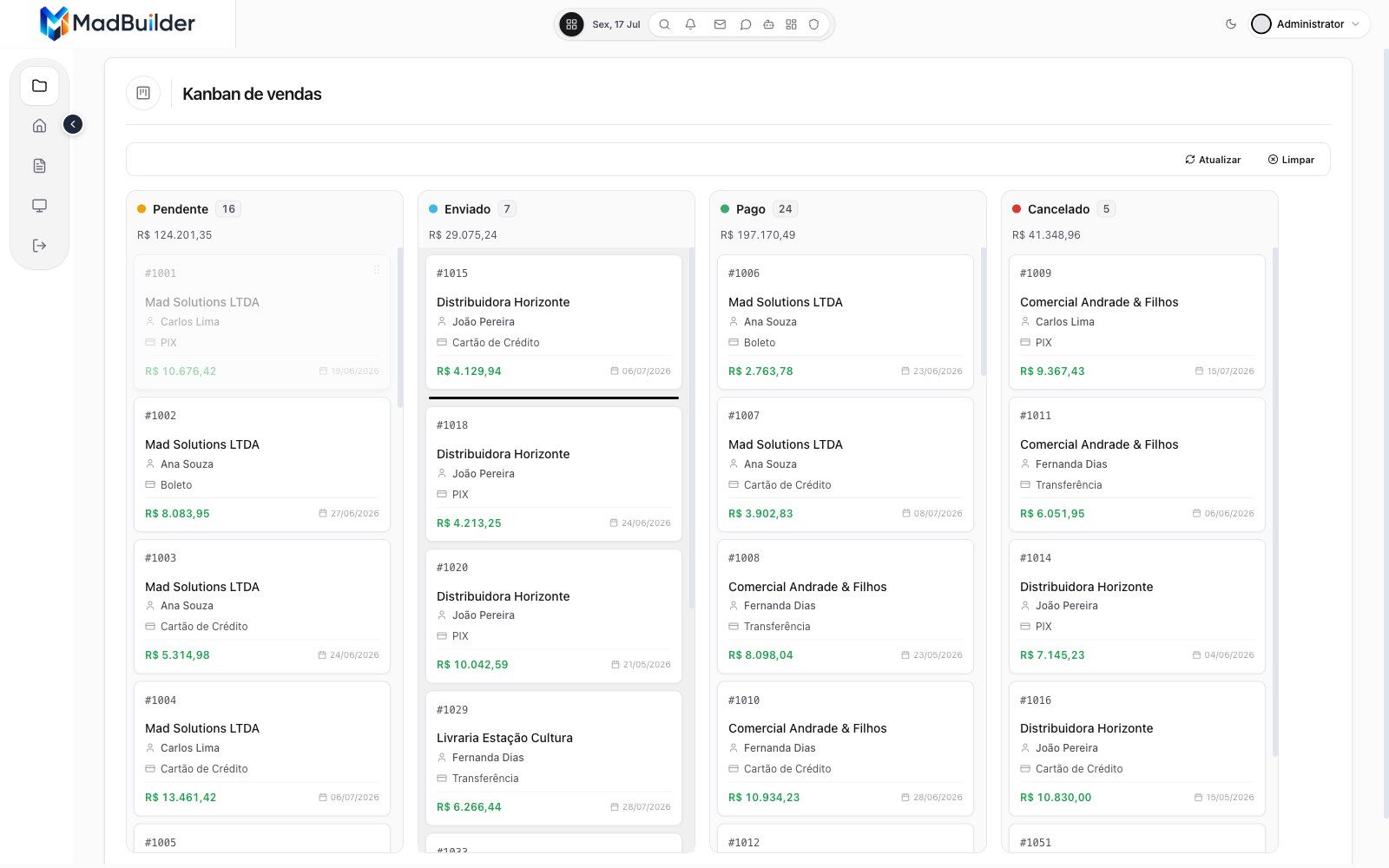
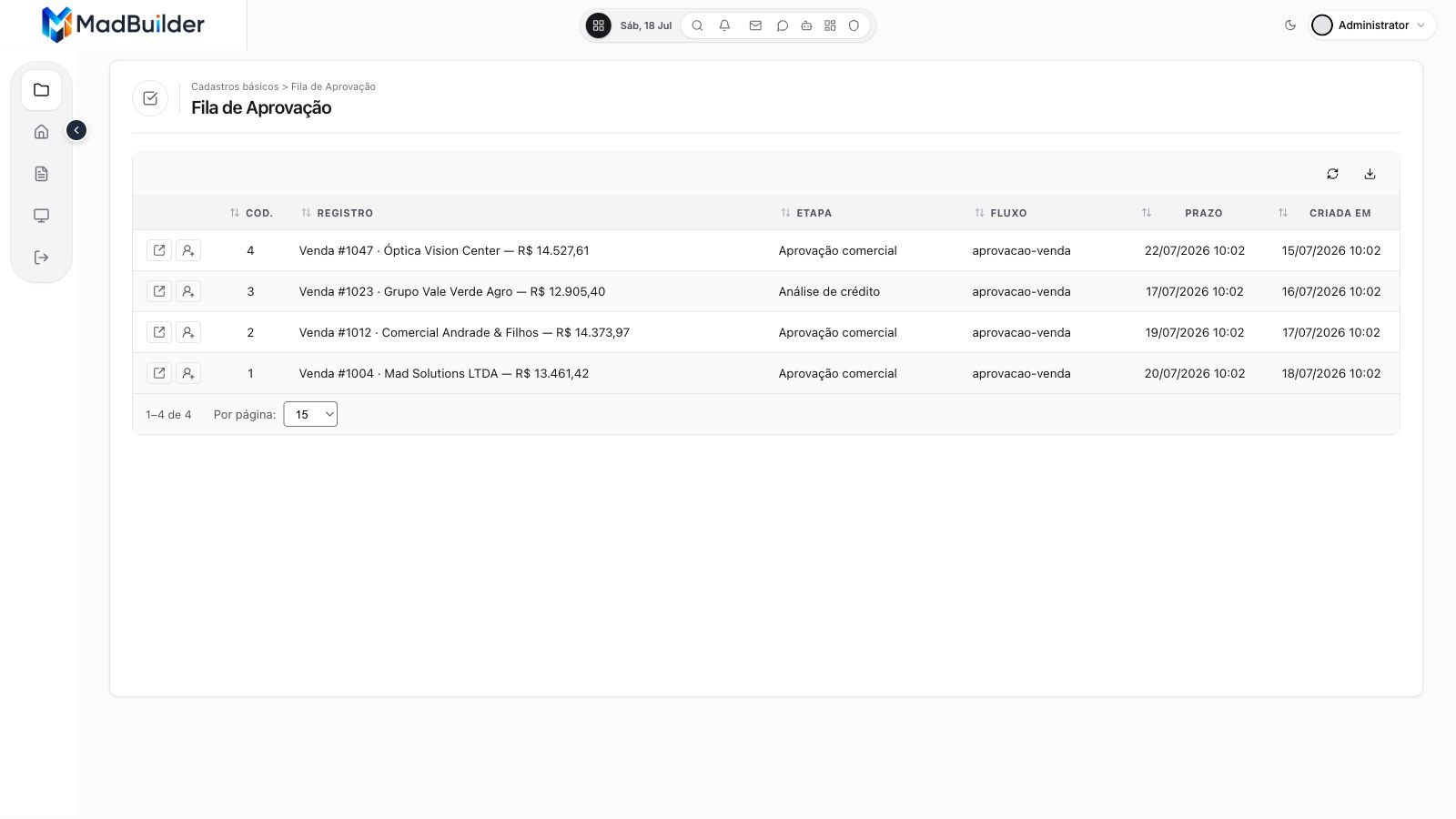
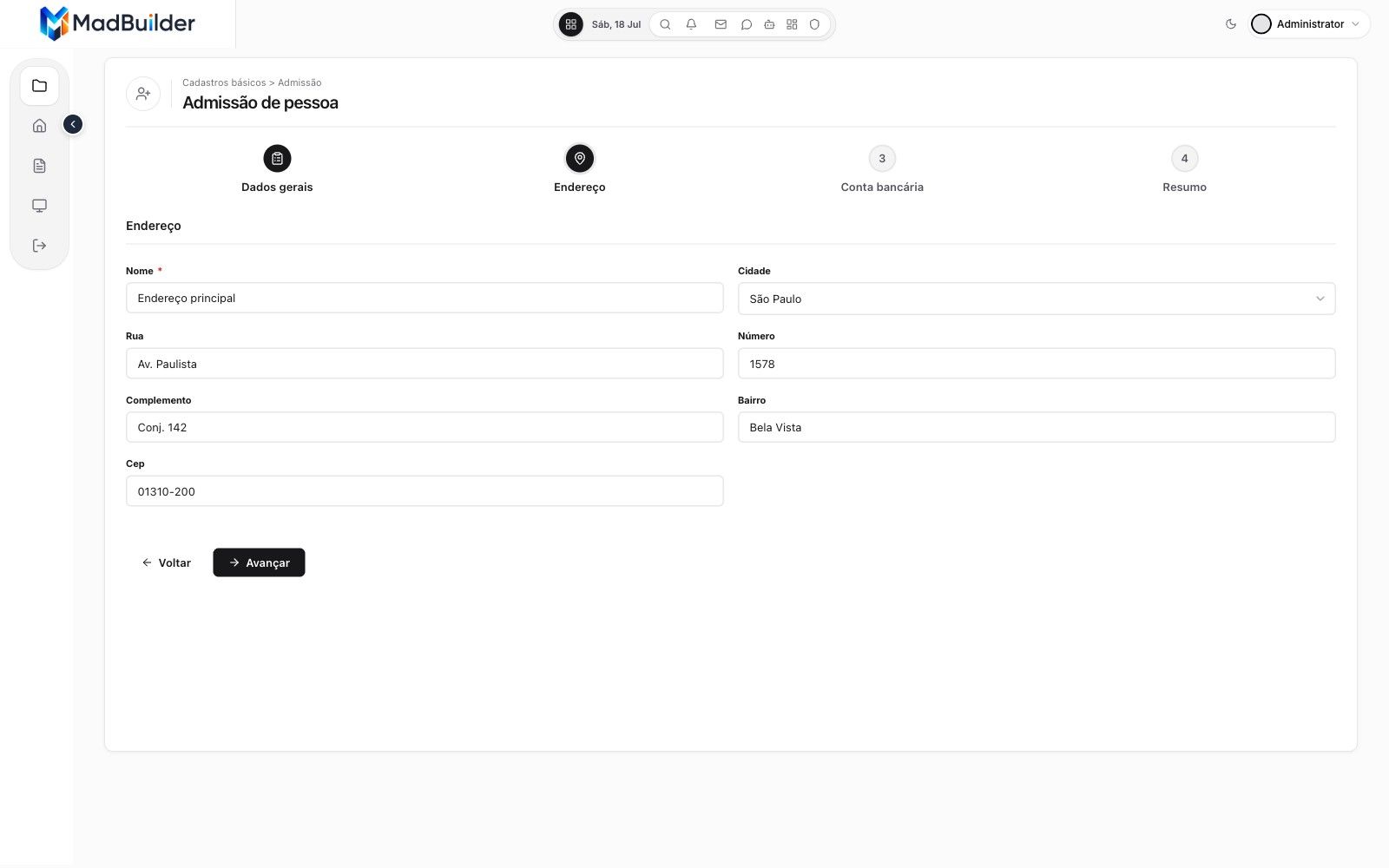
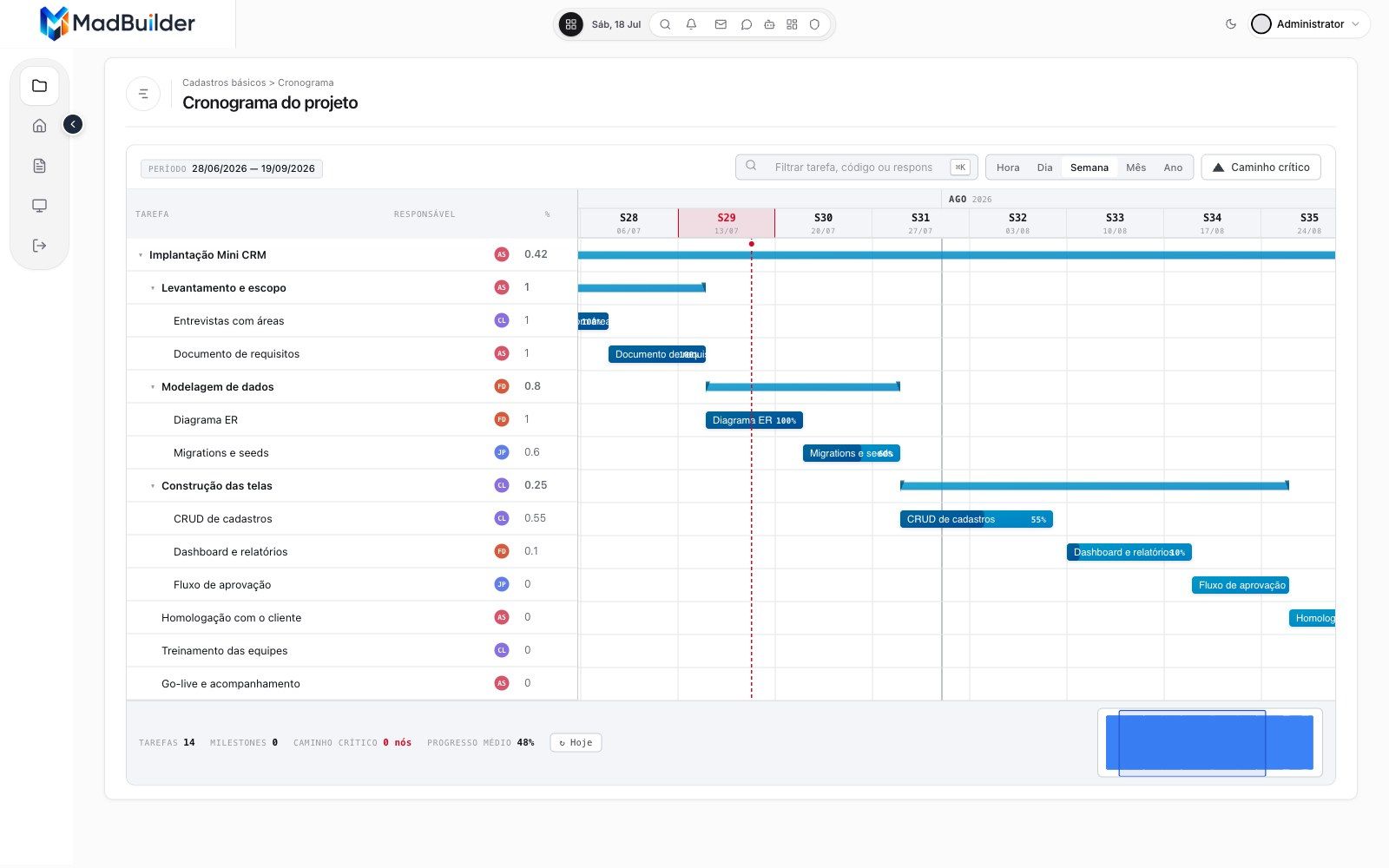
Ready-made screen types, so you never start from zero.
The client's request almost always fits one of these. You start from the right type and spend your time on what is specific to them.
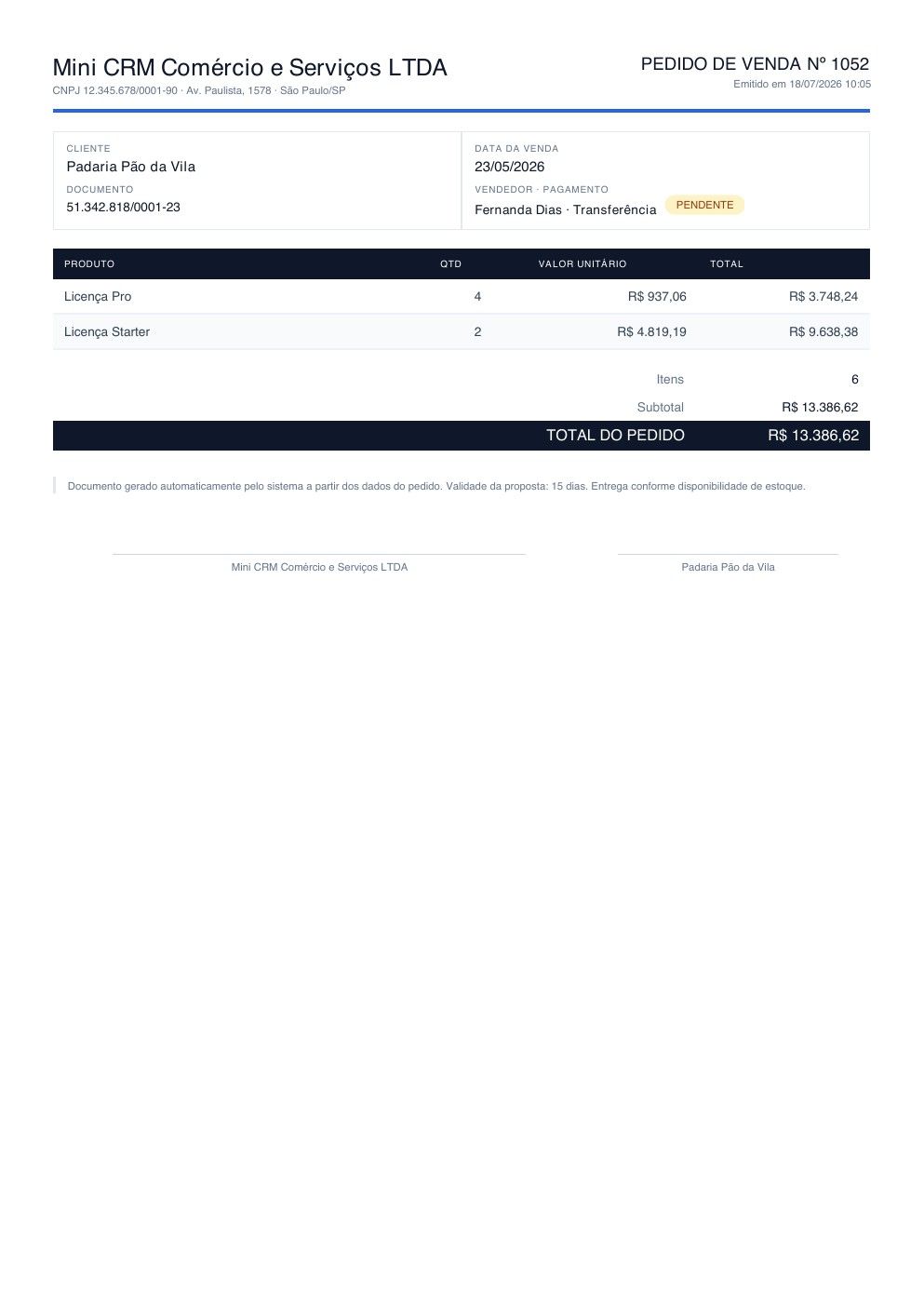
Want to resell a whole system? MadFood is a ready-made delivery system for pizzerias and restaurants, with a sales site, plans and sign-up for new restaurants.
-
-
-
-
-
-
-
-
-
-
-
-
-
Priced per dev, per year.
You pay for the people on your team, not for the systems you deliver.
Starter
$—/dev/year
10 projects, download, SSH and Git
Advanced
$—/dev/year
30 projects, Database Manager and multi-tenant
Pro
$—/dev/year
unlimited projects and MadTrace
Pro AI
$—/dev/year
everything in Pro, AI agent, MCP and embeddable copilot
Questions from people who ship systems
Can I hand the source code over to the client?
Yes. What comes out is a standard Laravel project: you download it as a ZIP, push it to the client's Git or deploy it over SSH to their server.
How does licensing work?
Per developer, per year. Additional licenses cost less than the first one. The prices are on the pricing page.
Can I work with the database the client already has?
Yes. You can import the schema by pasting the CREATE TABLE, and the Database Manager reaches the client's database directly, through an SSH tunnel or a REST driver that runs inside the app, no VPN needed.
Does every dev on the team see all projects?
No. You invite people per project and define what each one can do: download, view code, deploy, clone, edit, use the agent, change the schema and the migrations.
Build your client's next system here.
Create an account, upload their schema and show the first screen running in the Online Test. Open beta, no card.
- Create an accountOpen beta, no credit card.
- Build a screenVisually, in code, or by asking the AI.
- Download the .zipA Laravel project that runs wherever you want.
