


Page types
The most-used page types. Pick one and it comes out ready.
Pick the type, point to the table and MadBuilder generates the controller, view and route. The wizard is the same for every type. Each image below was captured from the product.
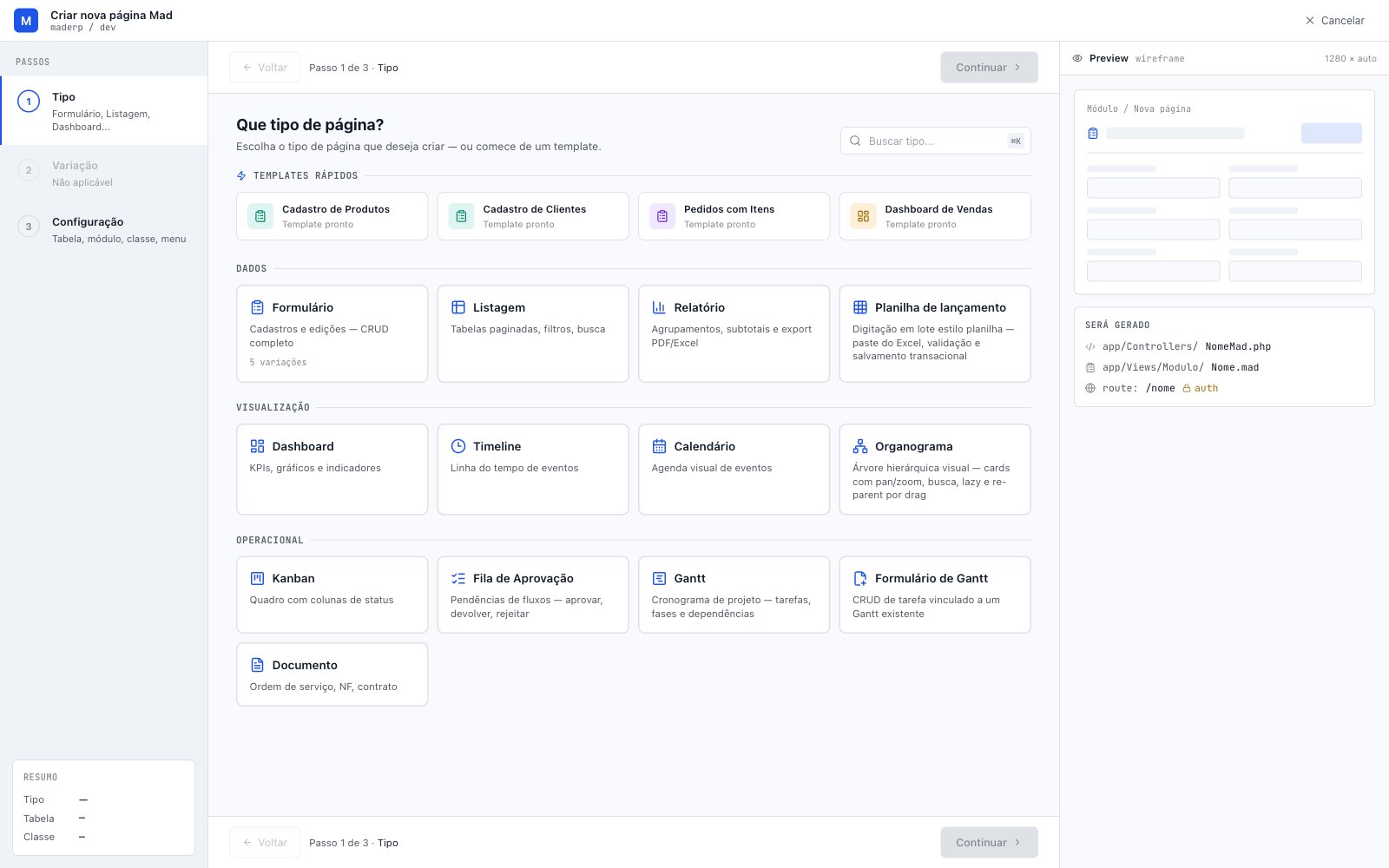
The most-used page types MadBuilder generates
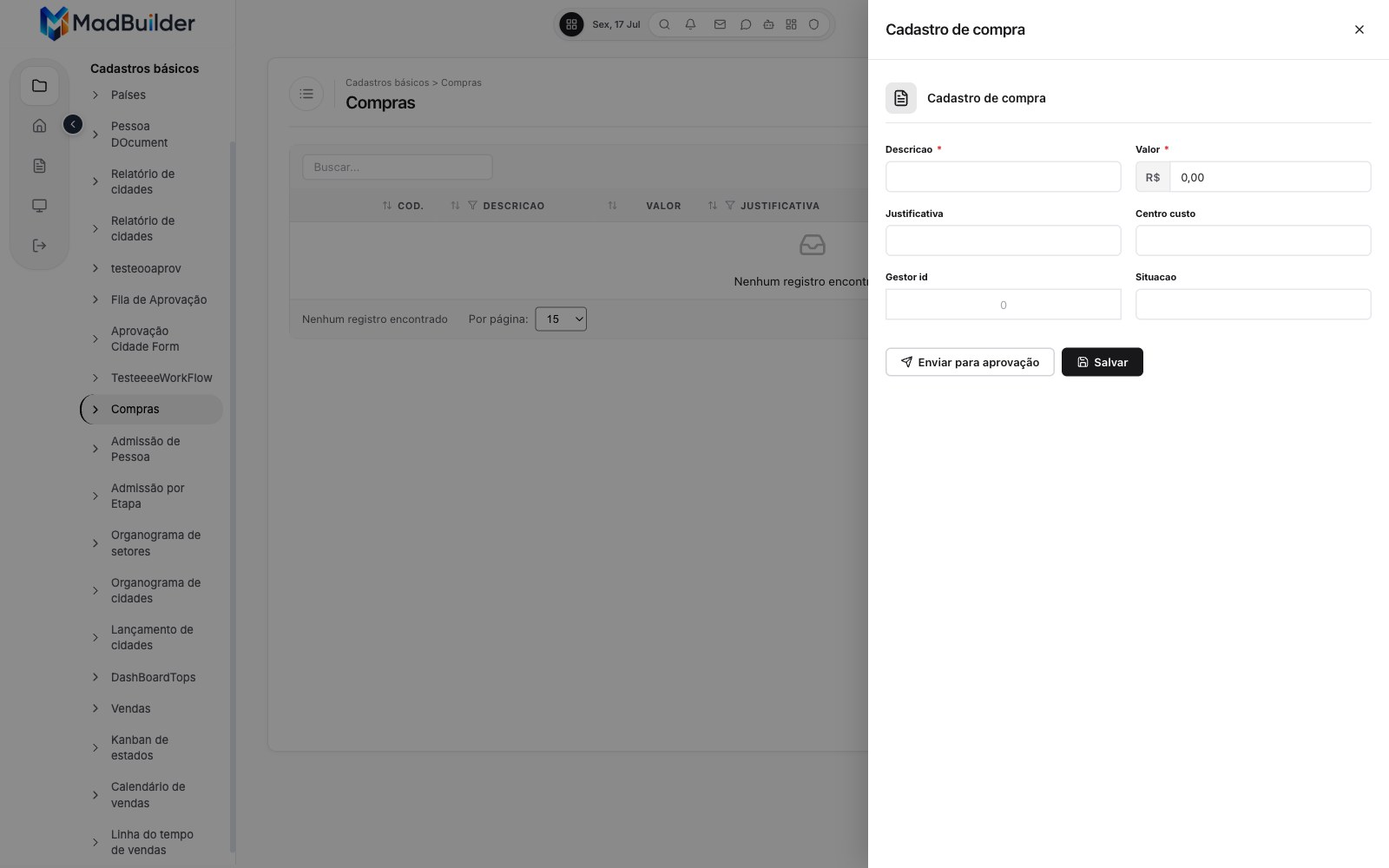
Form
Create, edit and delete records, in 5 variations: record entry, master-detail, wizard, lookup and free-form.
See details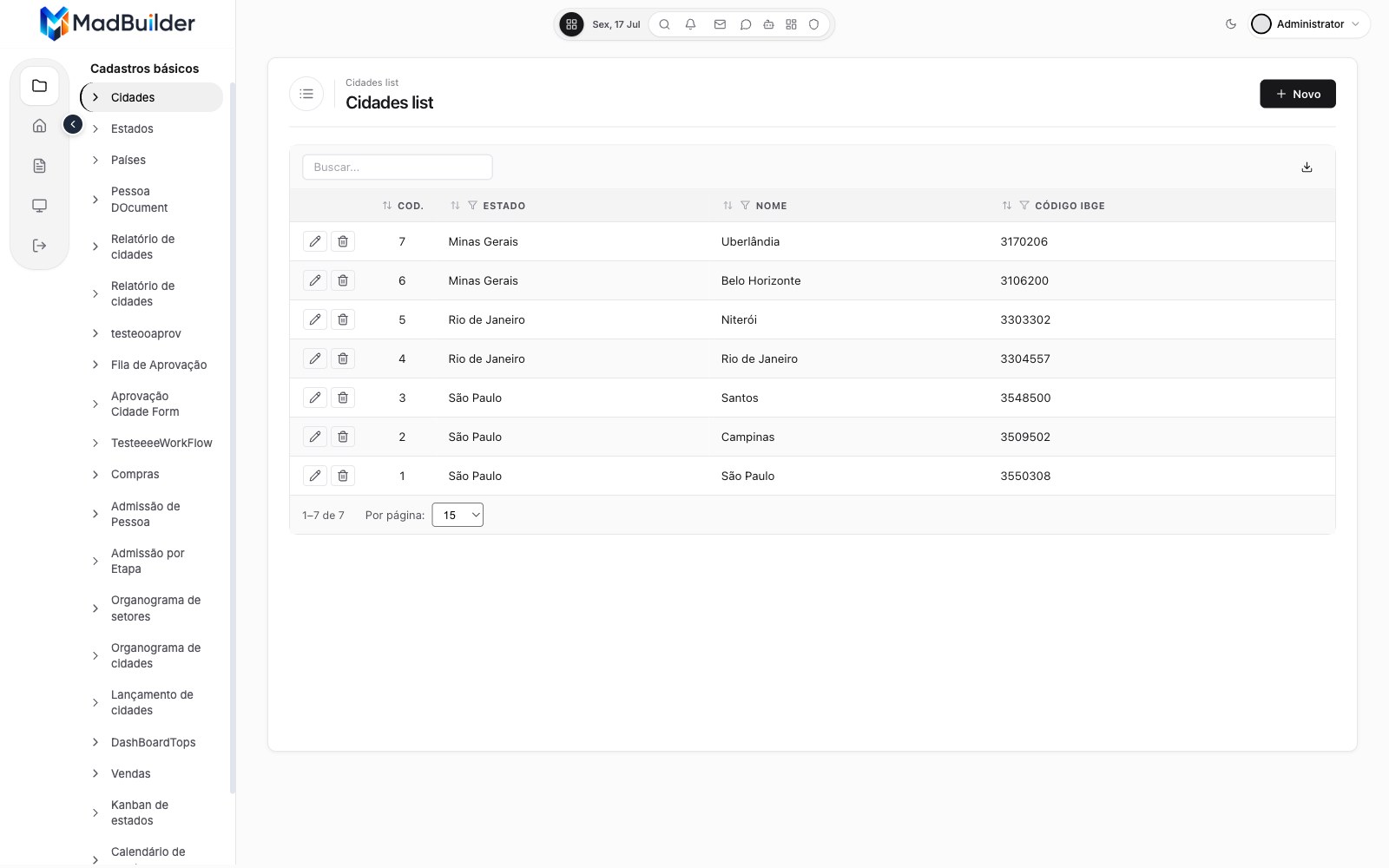
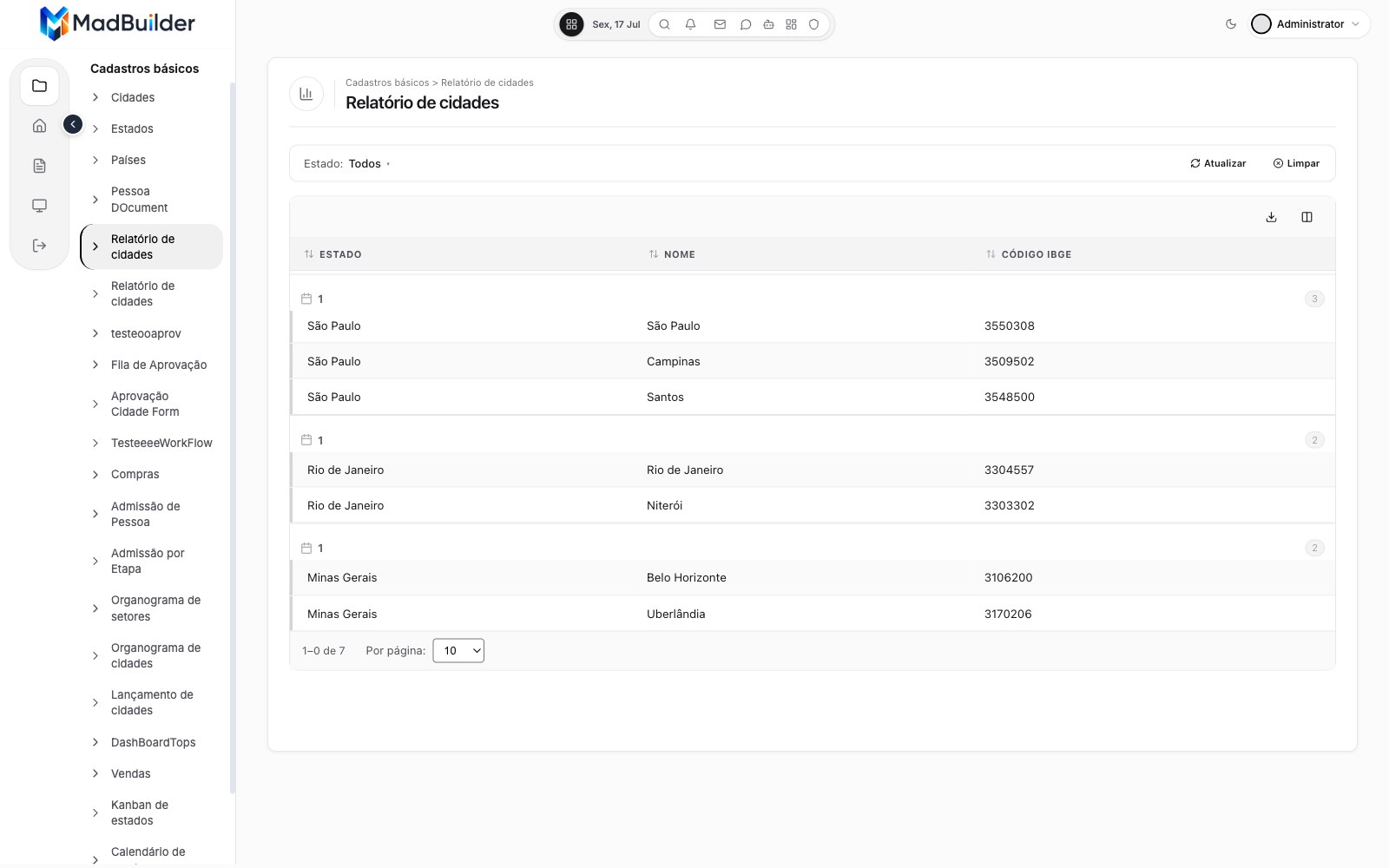
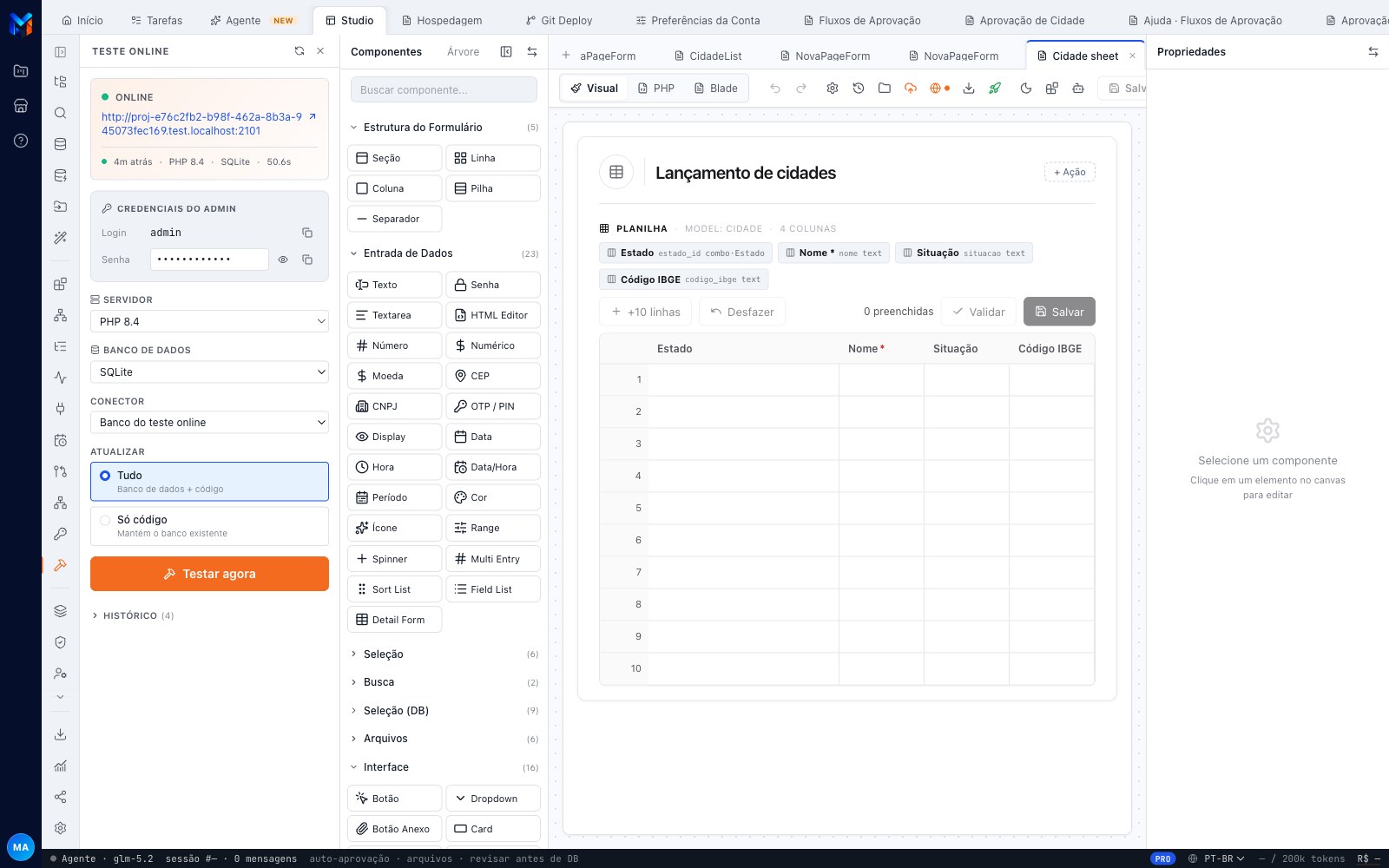
Data-entry spreadsheet
Batch entry just like in a spreadsheet: paste from Excel, validate and save everything in a single transaction.
See details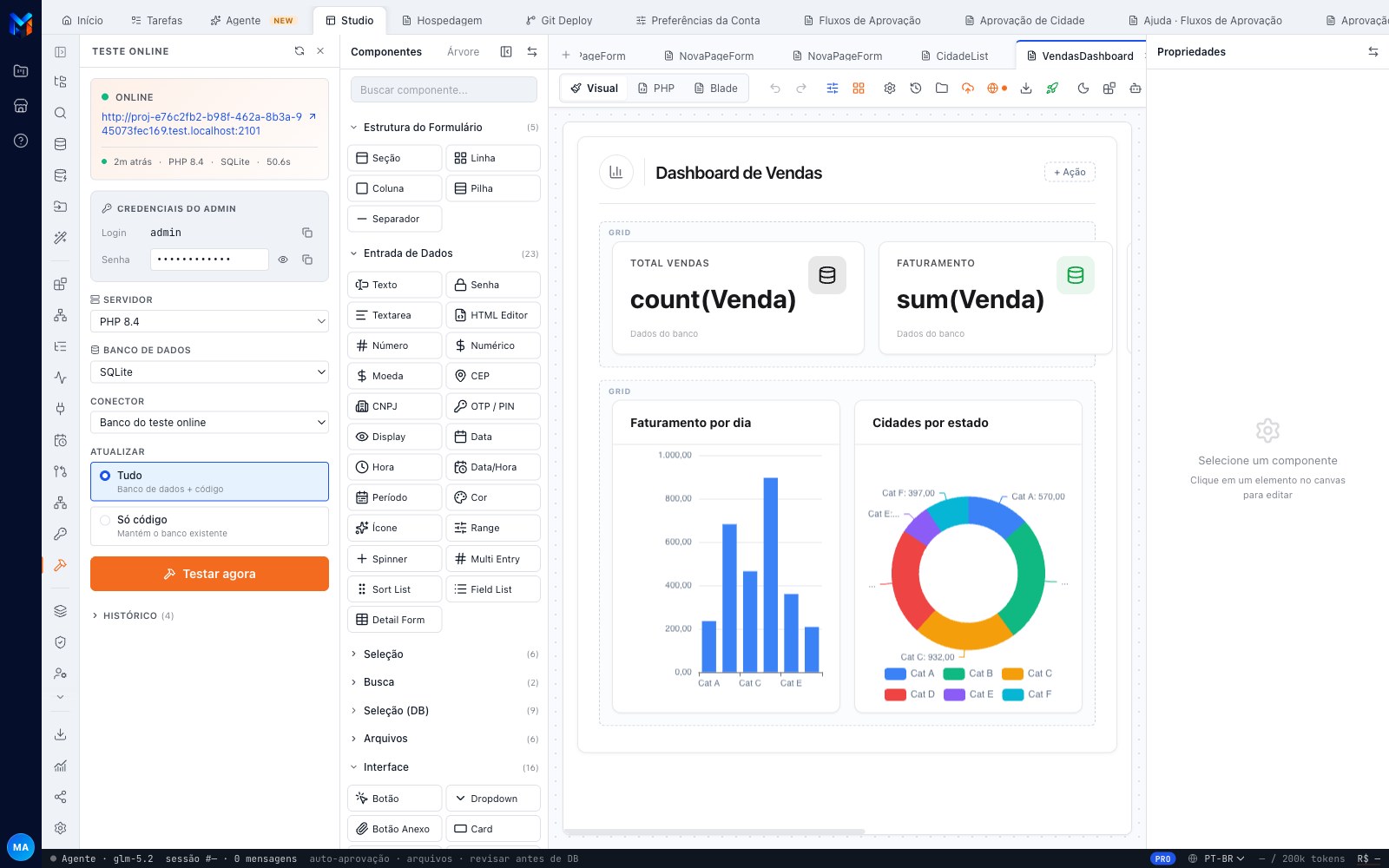
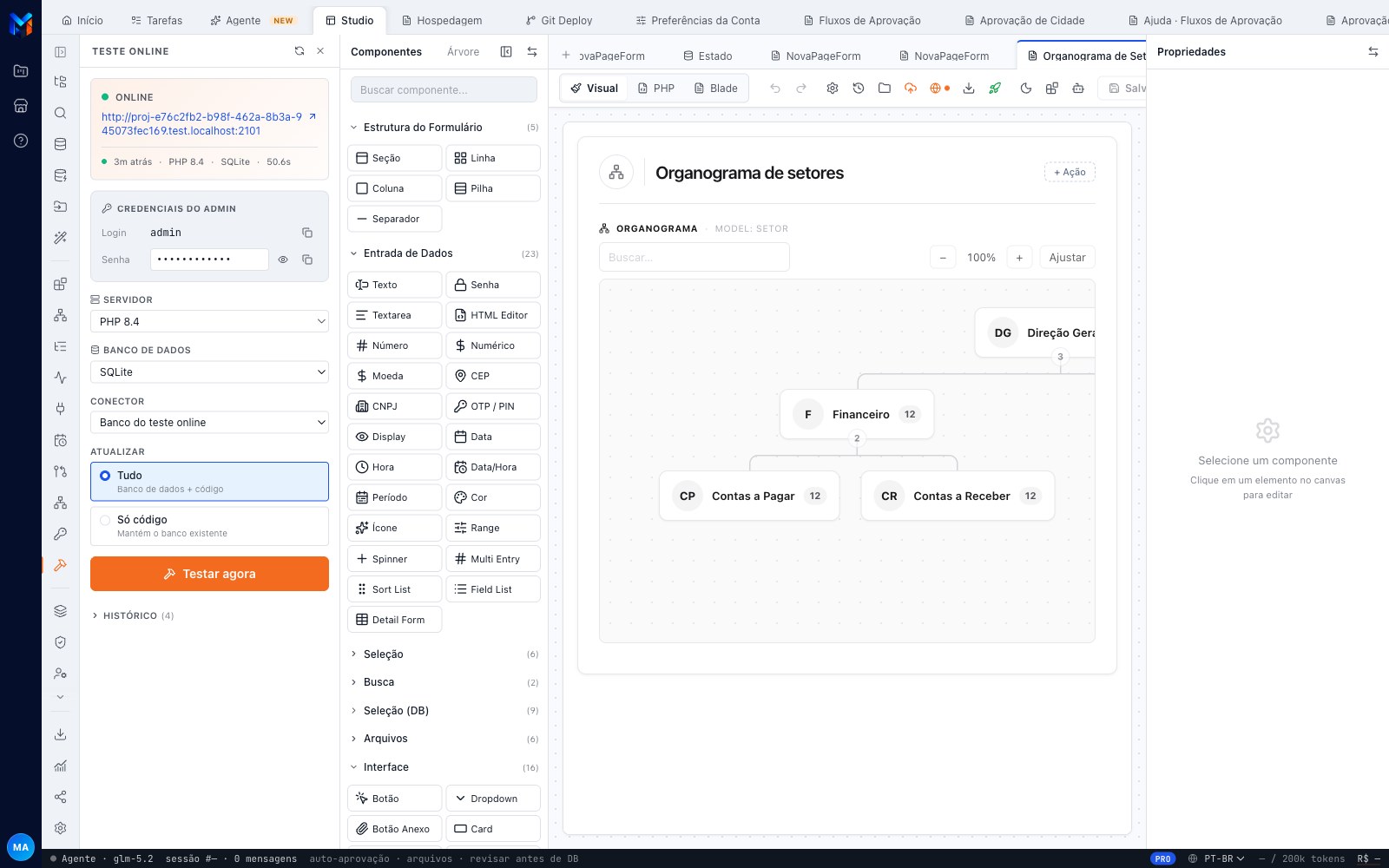
Org chart
A hierarchy tree with zoom and search, where dragging a node changes its parent.
See details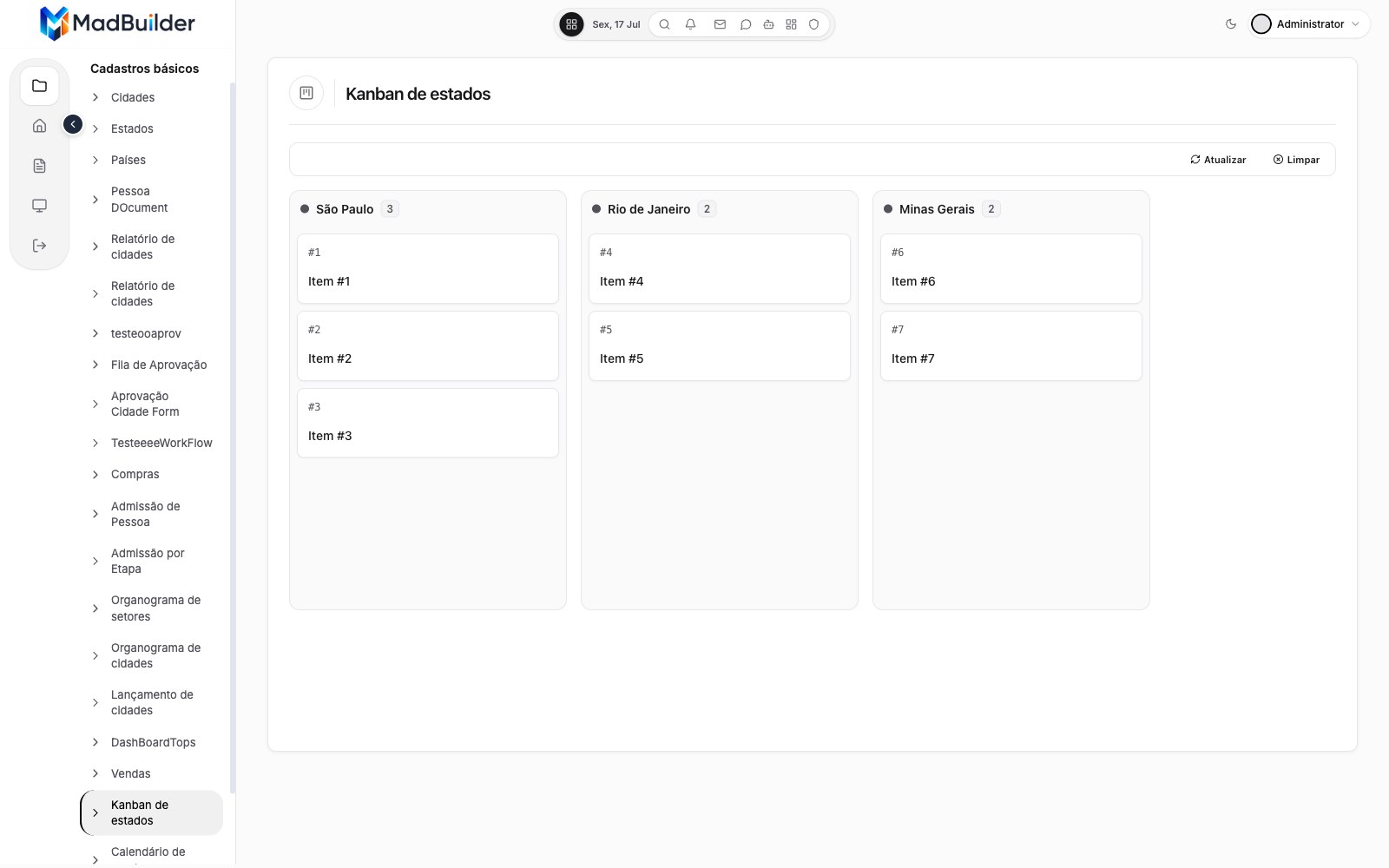
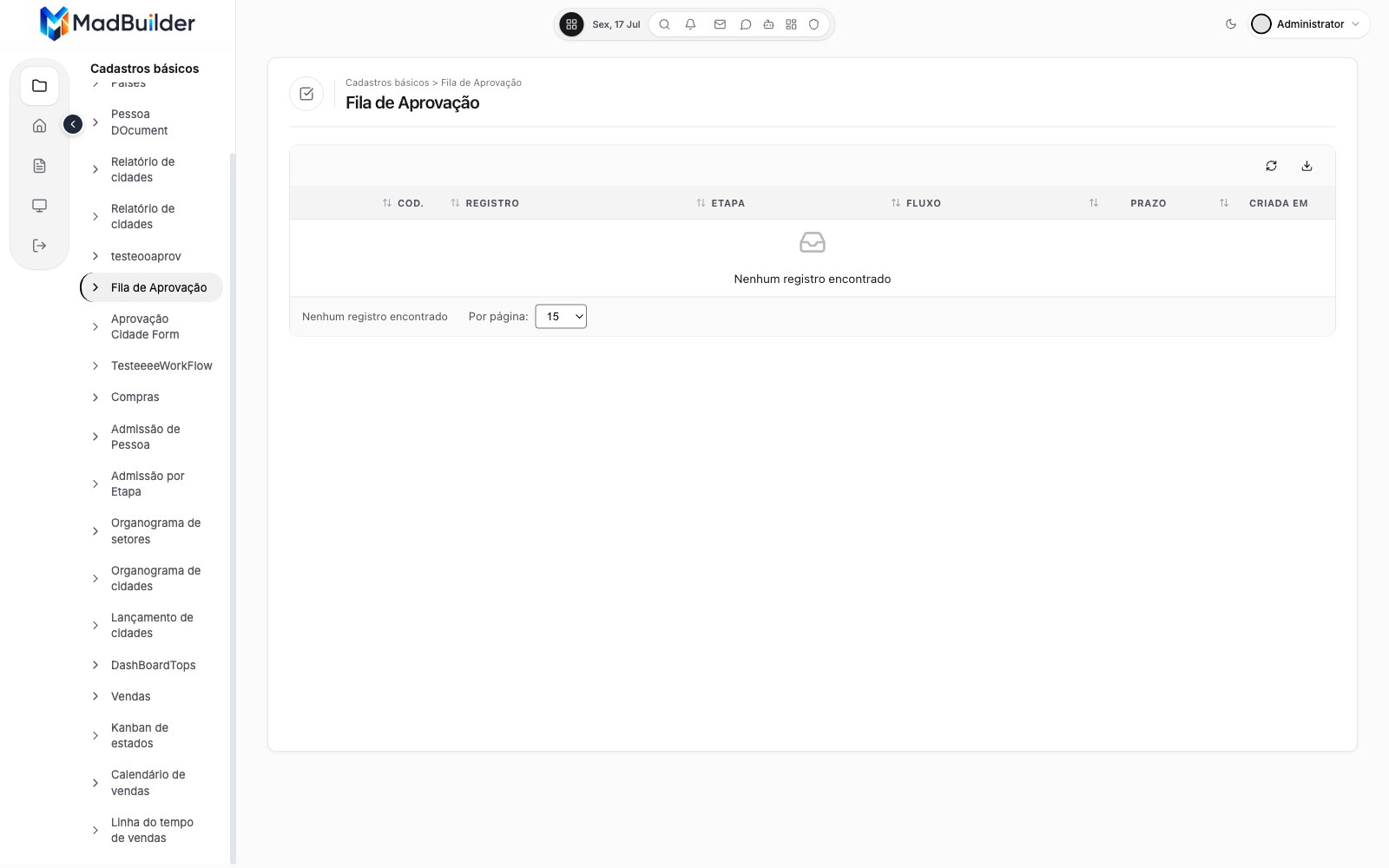
Approval queue
The pending items from your approval flows, to approve, send back or reject.
See details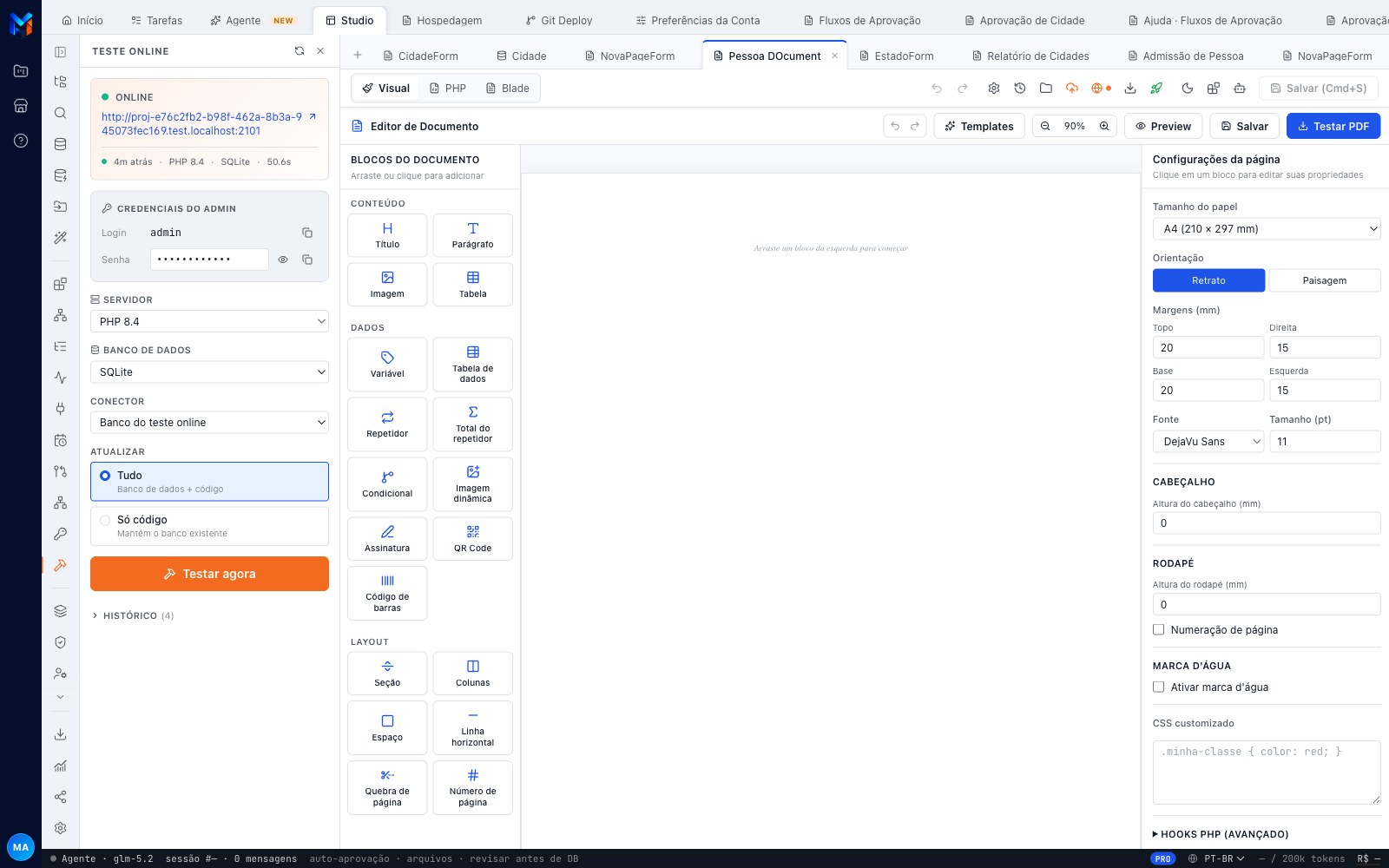
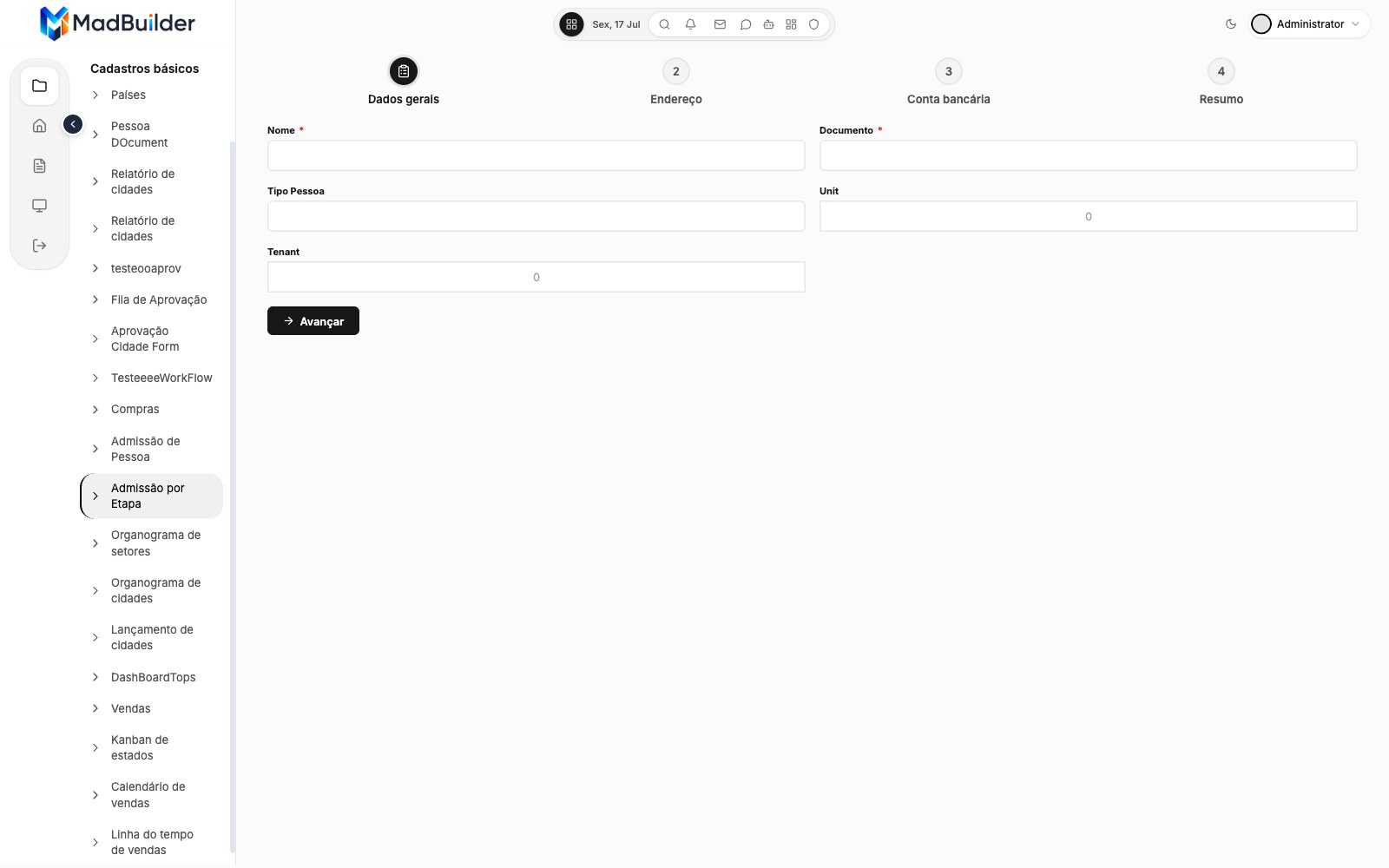
Multi-step wizard
A step-by-step form with one table per section, saving at each step or only at the end.
See detailsGantt + Gantt form
A schedule with tasks, phases and dependencies, plus the task form linked to it.
See detailsThere are also ready-made templates for Products, Customers, Orders and a Sales Dashboard.
Create an account, build a screen, download the project.
No scheduled demo, no discovery call. If the Laravel that comes out doesn’t pass your team’s review, you lost an afternoon.
- Create an accountOpen beta, no credit card.
- Build a screenVisually, in code, or by asking the AI.
- Download the .zipA Laravel project that runs wherever you want.
