


How it works
From diagram to live system, in five steps.
They all work on the same project. What you test in step 4 is exactly what goes live in step 5.
The five MadBuilder steps
-
Model your data
Draw customers, orders and products in a diagram, import the CREATE TABLE of an existing database or start from a ready-made model. Every change becomes an incremental migration.
Data modeling in detail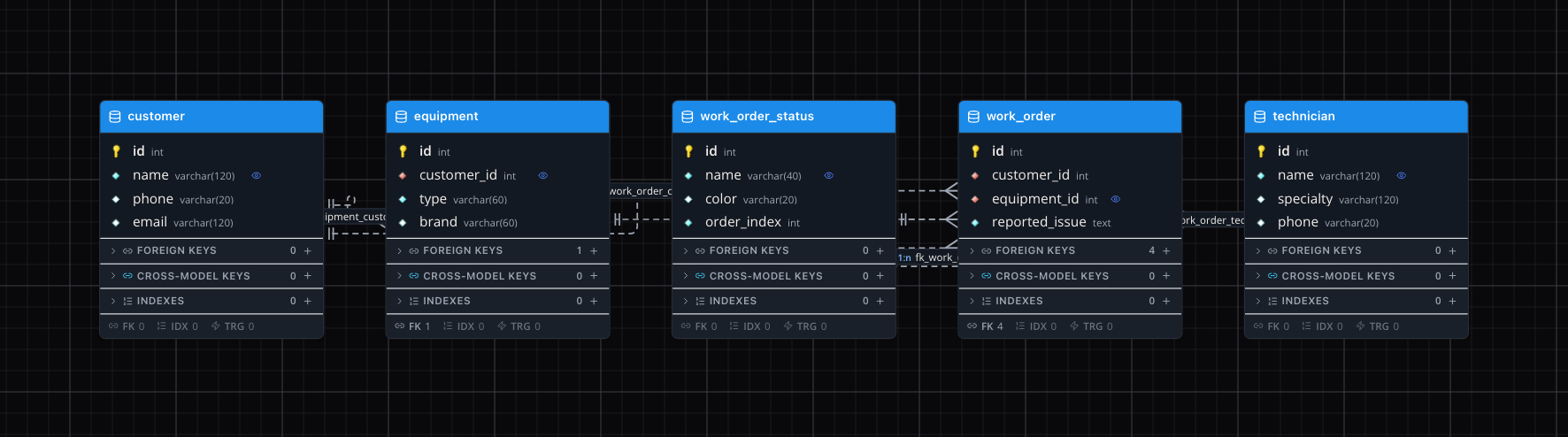
database/migrations/…_create_app_tables.php -
Generate the screens
Pick a screen type and point it at a table, or ask in writing: "I want a complete customer record screen". Everything is born wired to your data.
See the screen types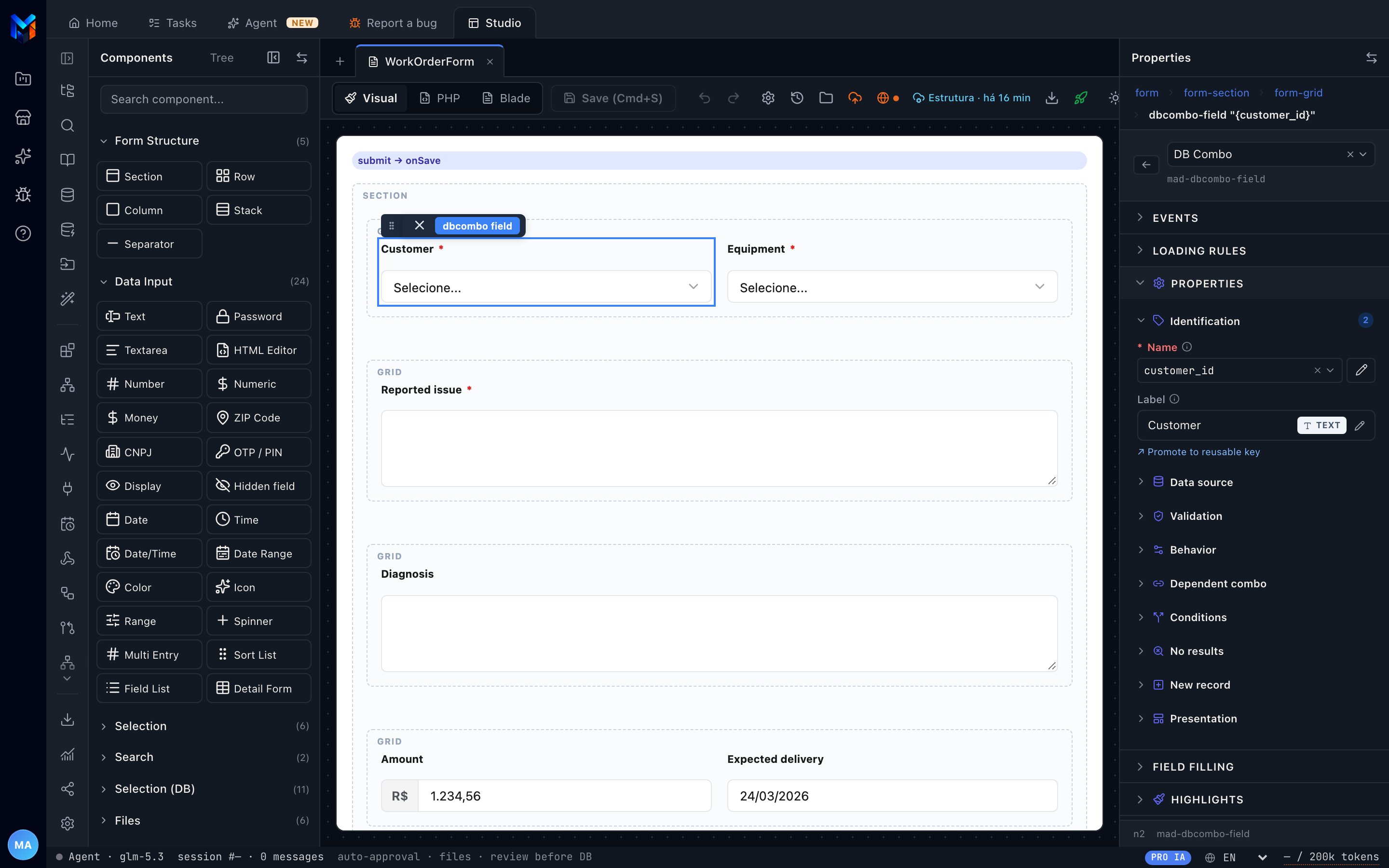
resources/views/venda-form.blade.php -
Fine-tune it visually or in code
Drag and drop until it looks right. When you need to, the dev drops down to PHP and Blade: generated parts stay locked and their code lives in blocks that survive the next generation.
What changes for developers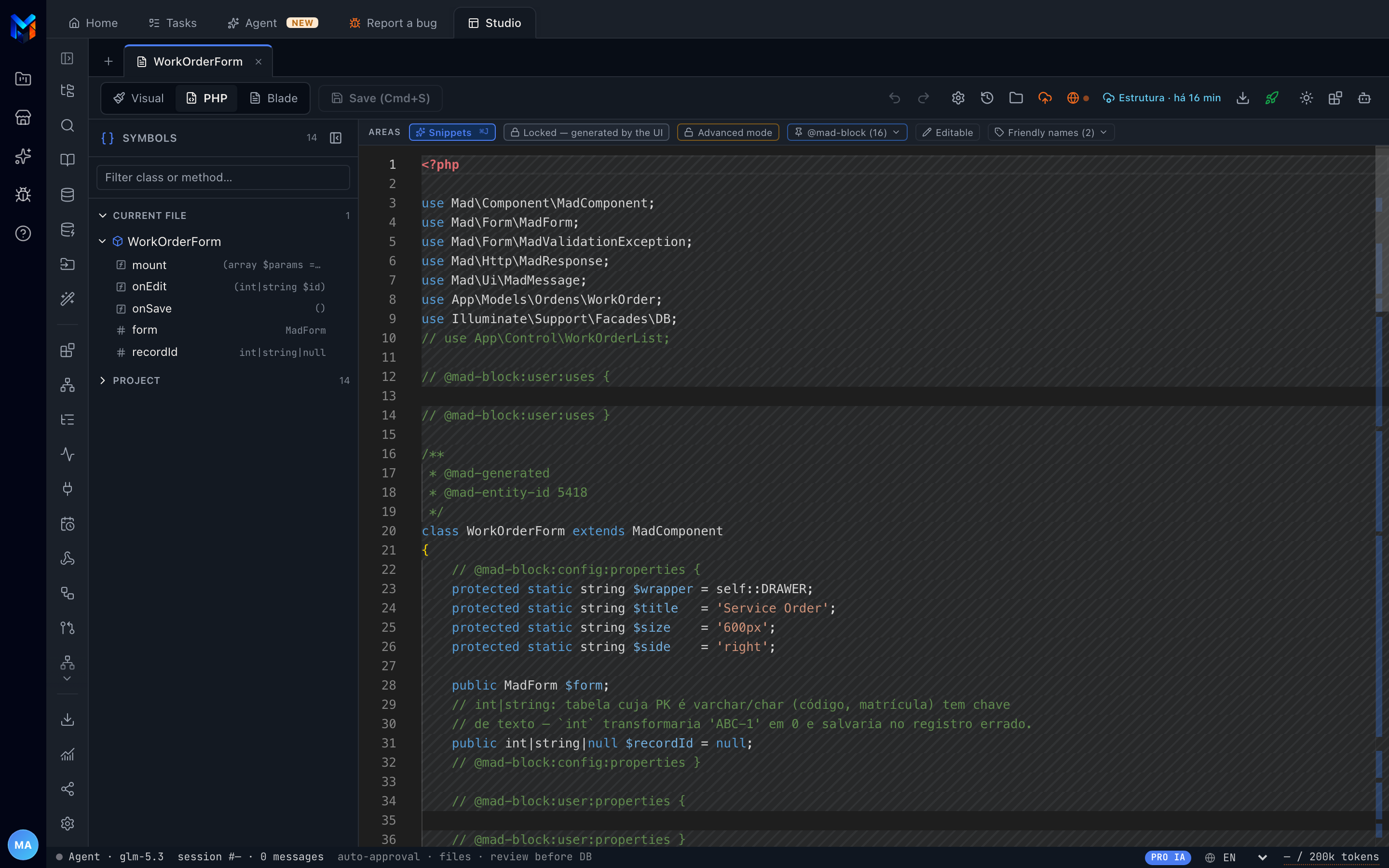
app/Control/VendaForm.php -
Test the running system
One click spins the system up in a test environment with its own address, using the PHP and database you choose. Every saved change shows up in seconds, already with sample data.
Online Test in detail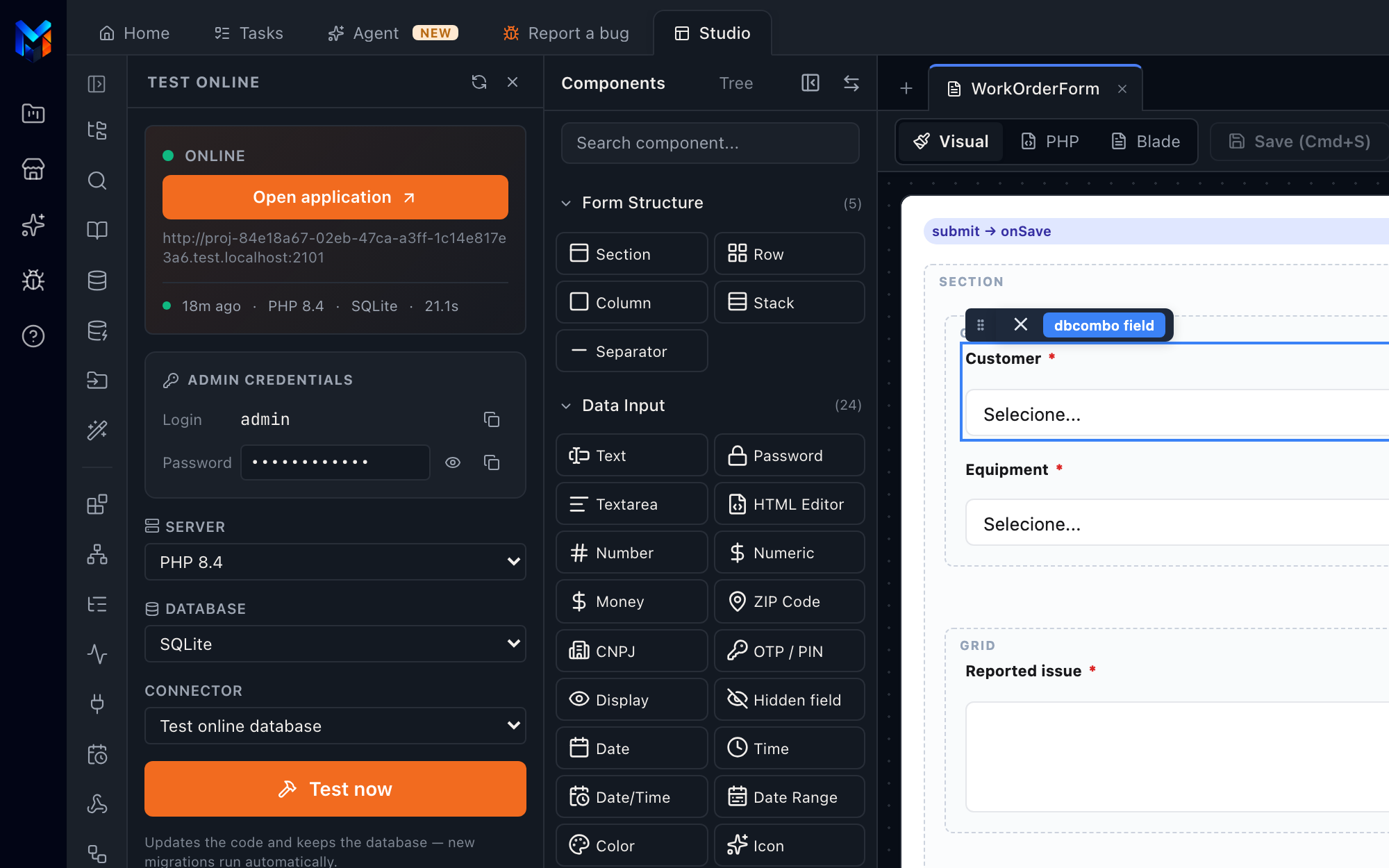
-
Publish wherever you want
On your own server over SSH, to your Git, as a ZIP or on MadCloud. What goes live is the same project you tested.
Meet MadCloud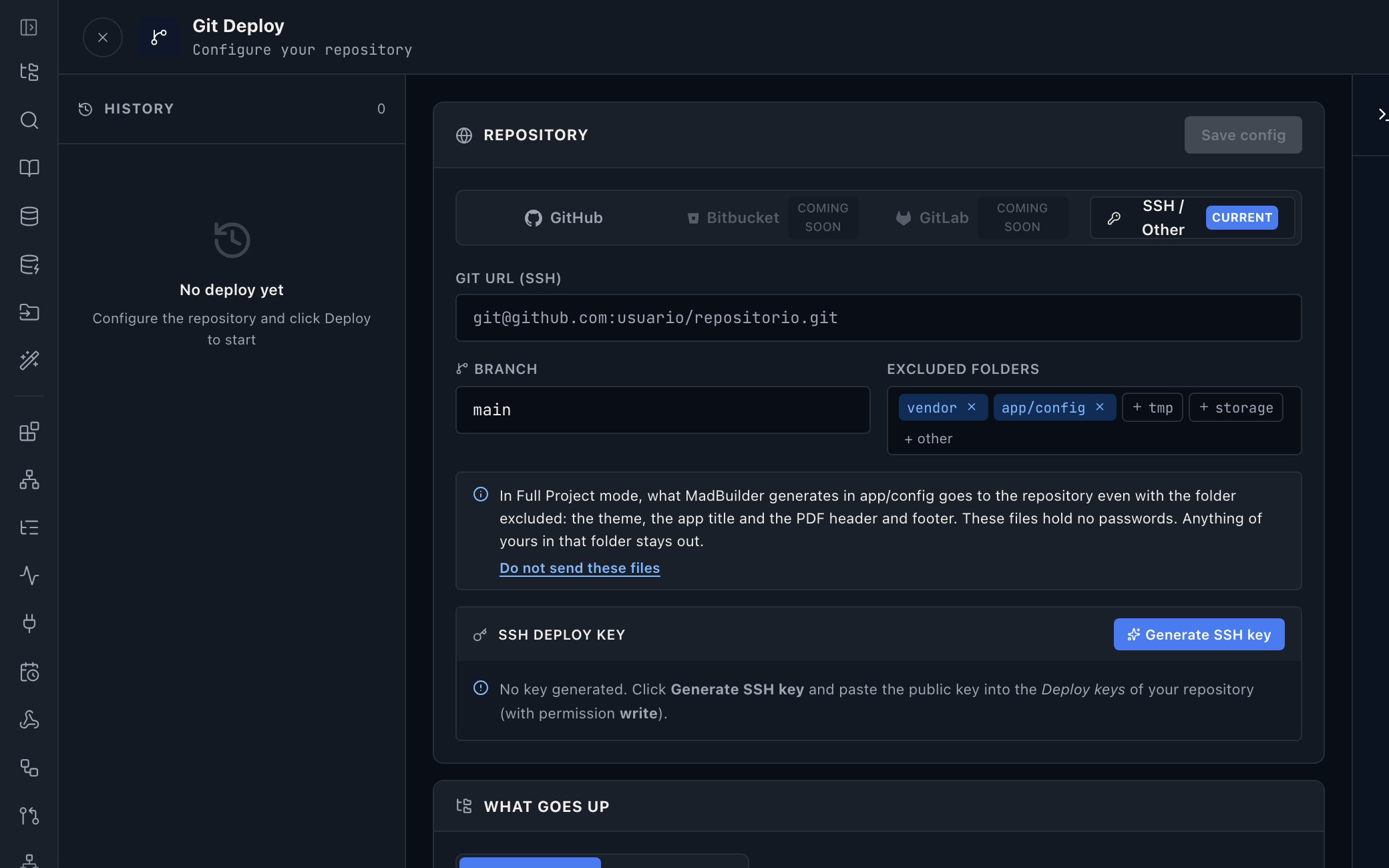
composer.json
Publish the system as an AI tool
Let your company's AI agents operate the published system through MCP, with defined permissions and an audit trail of every action.
Create an account, build a screen, download the project.
No scheduled demo, no discovery call. If the Laravel that comes out doesn’t pass your team’s review, you lost an afternoon.
- Create an accountOpen beta, no credit card.
- Build a screenVisually, in code, or by asking the AI.
- Download the .zipA Laravel project that runs wherever you want.
