Version 5 New
manager.madbuilder.dev
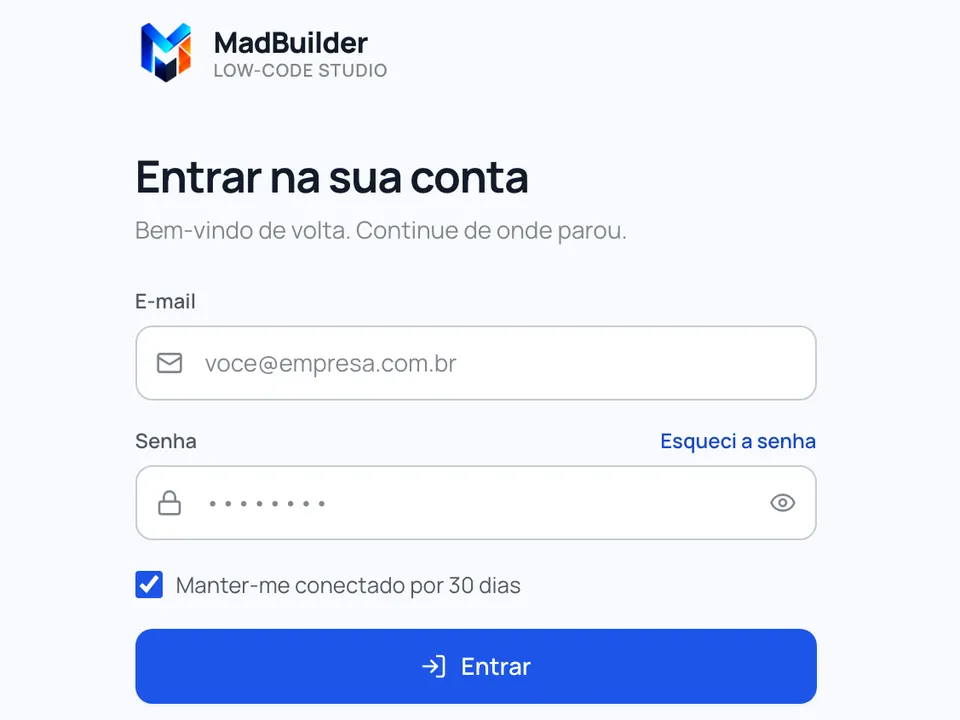
The current version, with the AI agent and Laravel projects.
This is the one if:
- You created your account on madbuilder.dev.
- The login screen has the colorful M logo and a blue button.
 MadBuilder
 Which version do you want to log in to?
 Version 5 New The current version, with the AI agent and Laravel projects. manager.madbuilder.dev
  Version 4 Classic The classic version, for people who were already using MadBuilder. manager.madbuilder.com.br
 Not sure which one is yours? See how to find out or message us on WhatsApp.
Log in
MadBuilder has two live versions, each at its own address. If you don't remember the number, pick the screen you usually see.
manager.madbuilder.dev
The current version, with the AI agent and Laravel projects.
This is the one if:
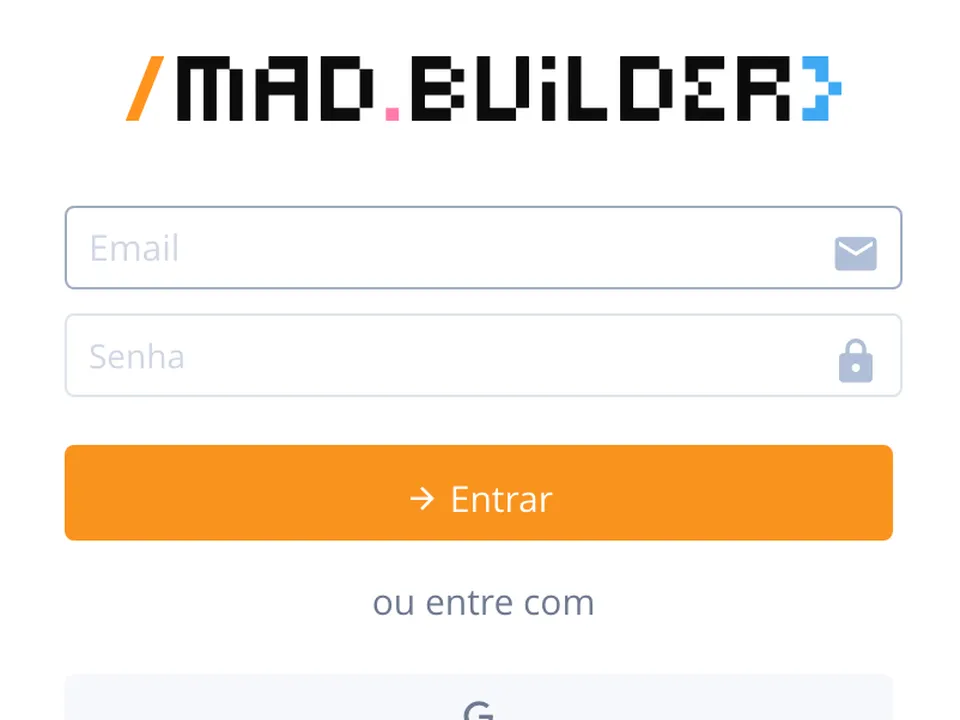
manager.madbuilder.com.br
The classic version, for people who were already using MadBuilder.
This is the one if:
Message us on WhatsApp and we'll help you find yours.
+55 51 4042-0091
Tip: after logging in, bookmark the page in your browser (Ctrl+D on Windows, ⌘+D on Mac). Next time, just open the bookmark.
